
Supported Video Sources For AI Clipping
Ssemble can clip from YouTube, Vimeo, Kick, and Twitch links — or from your own video files. Here's what each source supports and how to submit it.
Ssemble's AI Clipping works with five video sources. Paste a link — or drop in your own file — on the dashboard, and the AI finds the most engaging moments, adds captions, and turns them into short-form clips. The clipping experience is identical for every source: same options, same templates, same credit cost.
1. YouTube
Paste the link of any public YouTube video — podcasts, interviews, gaming streams, or any other long-form content.
Supported link formats:
youtube.com/watch?v=VIDEO_IDyoutu.be/VIDEO_ID
Once the link is validated, the video preview appears right on the dashboard and you can pick the timeframe to clip:
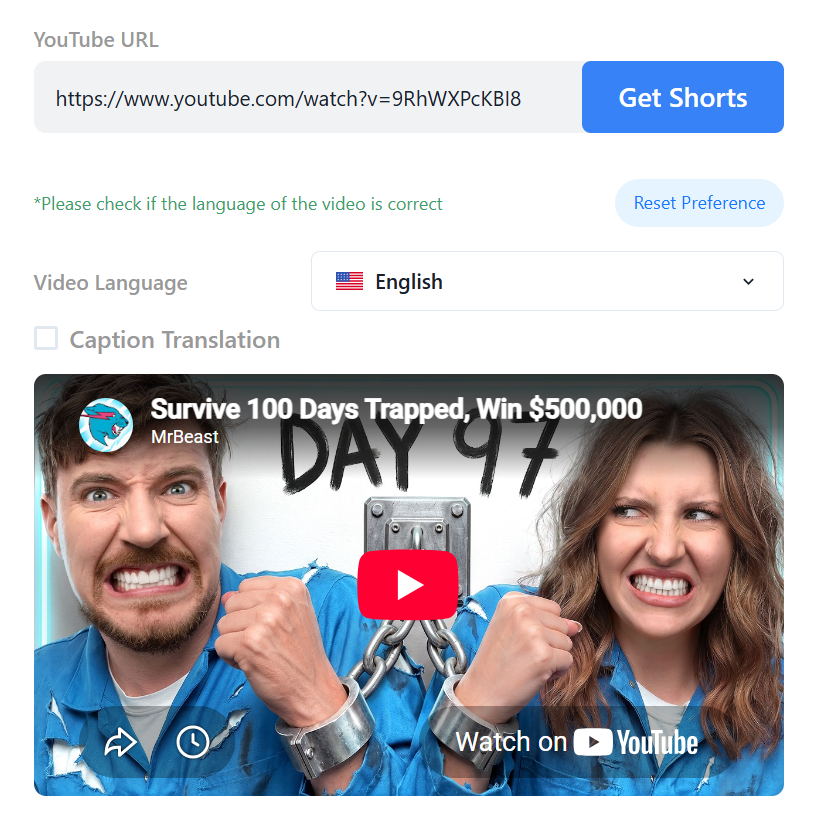
Live streams can be clipped once the stream has ended and the recording is available on the channel.
2. Vimeo
Paste the link of a Vimeo video. Both public and unlisted videos are supported.
Supported link formats:
vimeo.com/123456789— public videovimeo.com/123456789/abc123def— unlisted video (the code after the ID is part of the private link — include it)player.vimeo.com/video/123456789— player link
Once the link is validated, you'll see the video preview right on the dashboard and can pick the timeframe to clip:
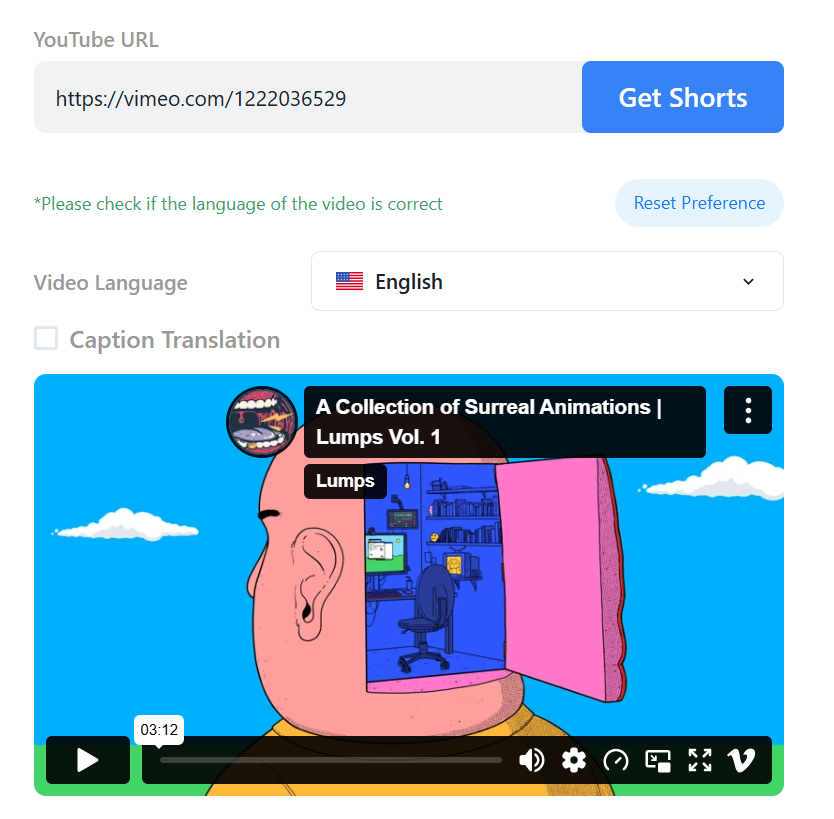
For unlisted videos, copy the full link from Vimeo's Share dialog so the private-link code is included. Password-protected and private videos are not supported, and neither are showcases, channels, or event pages — use the direct link to a single video.
3. Kick
Paste the link of a Kick VOD (a past broadcast).
Supported link format:
kick.com/CHANNEL/videos/VOD_ID
The VOD plays right on the dashboard so you can find the part you want to clip:
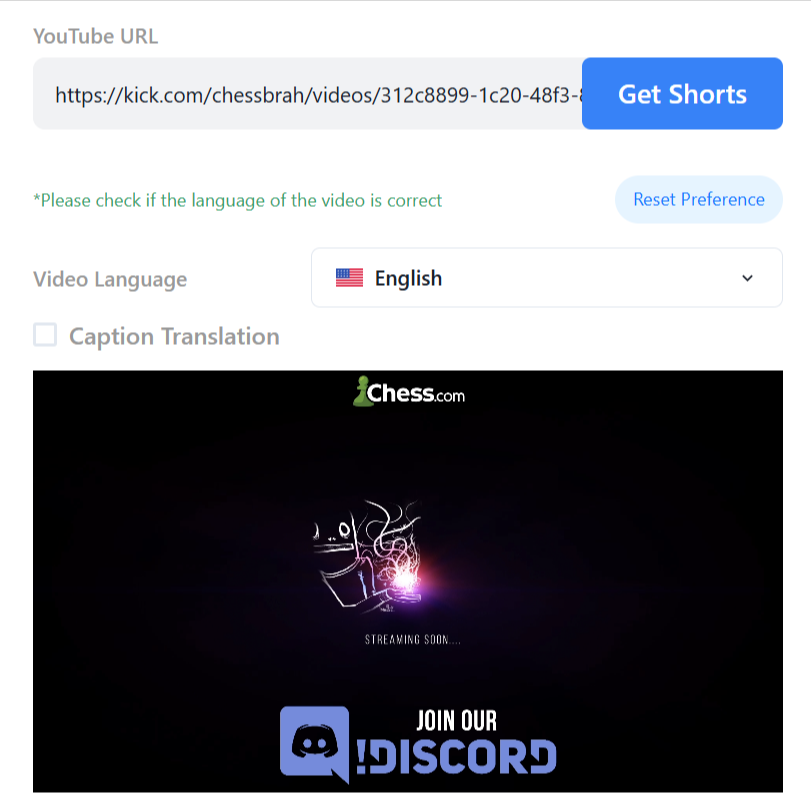
To get the link, open the channel's Videos tab, open the past broadcast you want, and copy the URL from your browser. Kick clips and live streams are not supported — wait for the stream to finish and clip the VOD.
4. Twitch
Paste the link of a Twitch VOD — a past broadcast or a highlight.
Supported link format:
twitch.tv/videos/VIDEO_ID
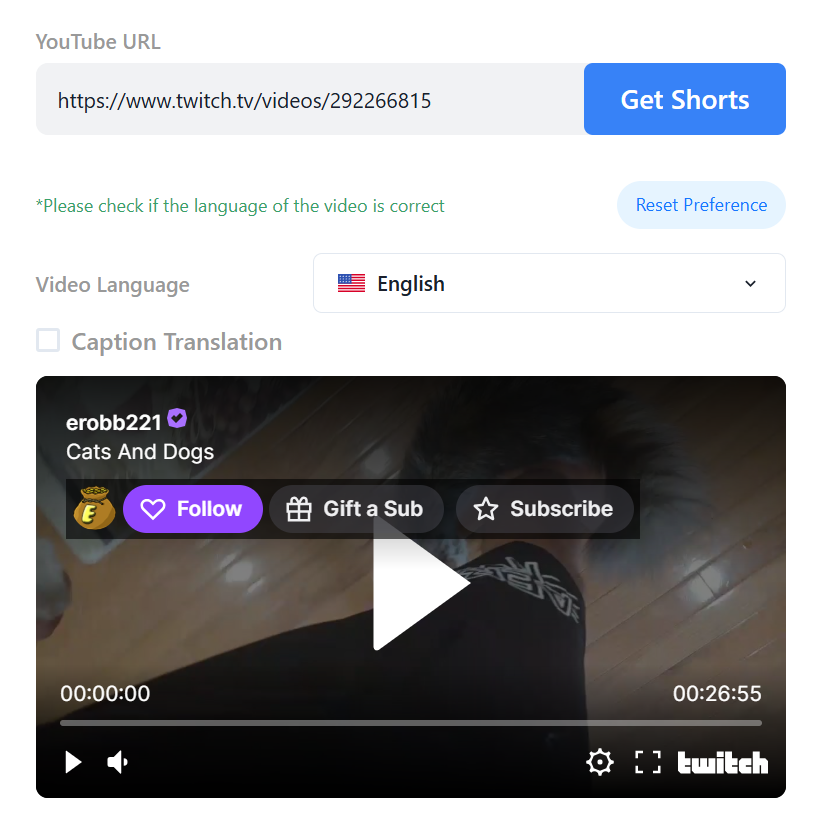
To get the link, open the channel's Videos tab, open the past broadcast or highlight you want, and copy the URL from your browser. Twitch clips (the short /clip/ links) and live streams are not supported — wait for the stream to finish and clip the VOD. Subscriber-only VODs can't be imported. Because Twitch streams are often many hours long, clip a tighter timeframe to keep processing quick.
5. Upload Your Own File
Drag & drop a video file into the upload box on the dashboard, or click the box to browse for it.
Formats: MP4, MOV, WebM
Length: 1 to 30 minutes
Size: up to 1 GB
Frequently Asked Questions
Does the video source change the credit cost?
No. A project costs the same no matter where the video comes from.
Can I clip a stream while it is still live?
No. Live streams on YouTube, Kick, and Twitch can be clipped once the broadcast has ended and the recording is available.
My Vimeo link says the video can't be processed. Why?
The most common causes: the video is password-protected or private (not supported), or the link for an unlisted video is missing its private-link code. Copy the full link from Vimeo's Share dialog and try again.
What about other platforms?
More sources are on the way. In the meantime, if you have the video file, you can always upload it directly.