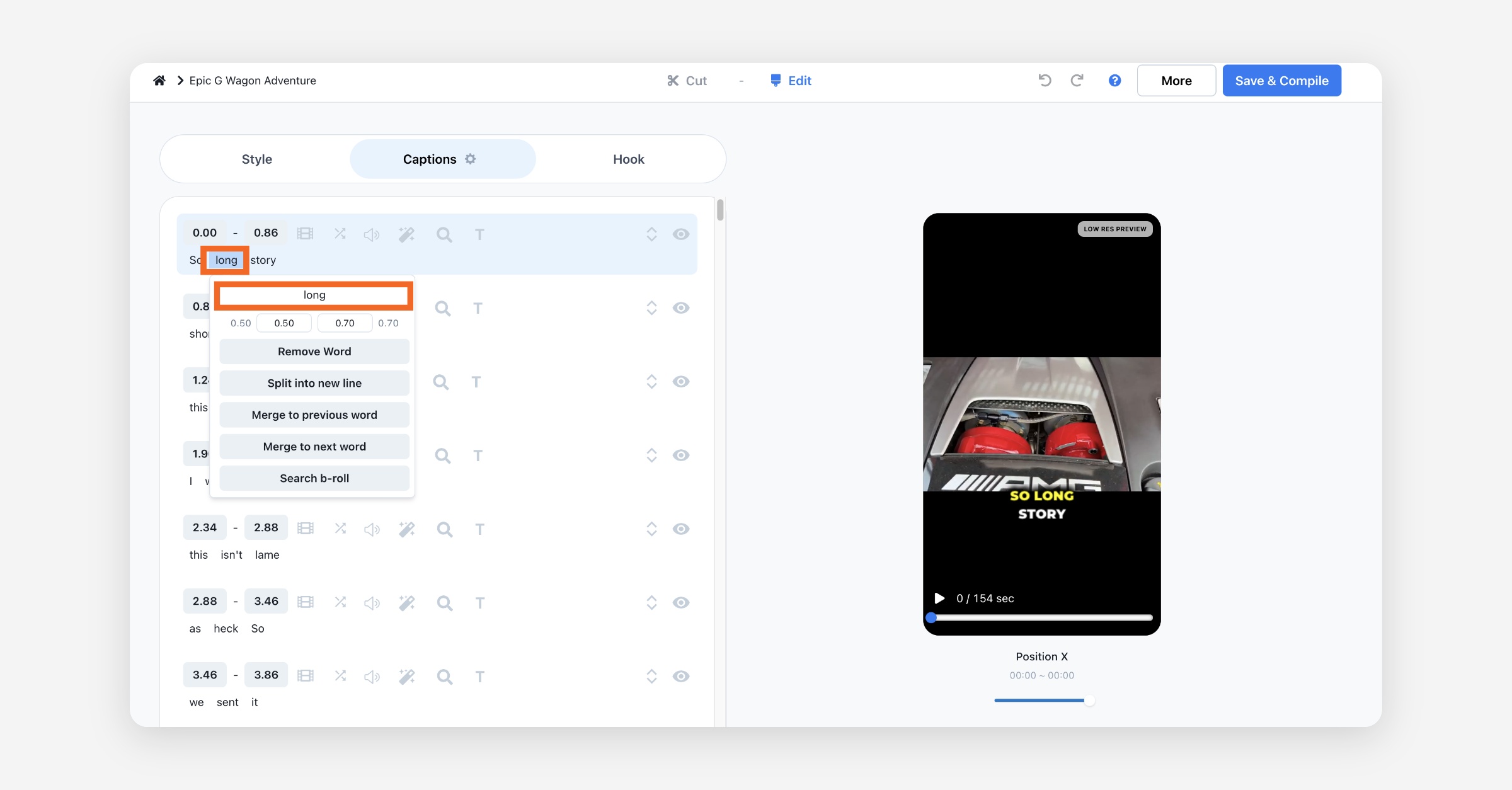

How to Change Caption Style
You can change the subtitle template that you selected when creating your video in the editor. You can easily change the subtitle style by clicking a different style in the Captions section of the Style tab.
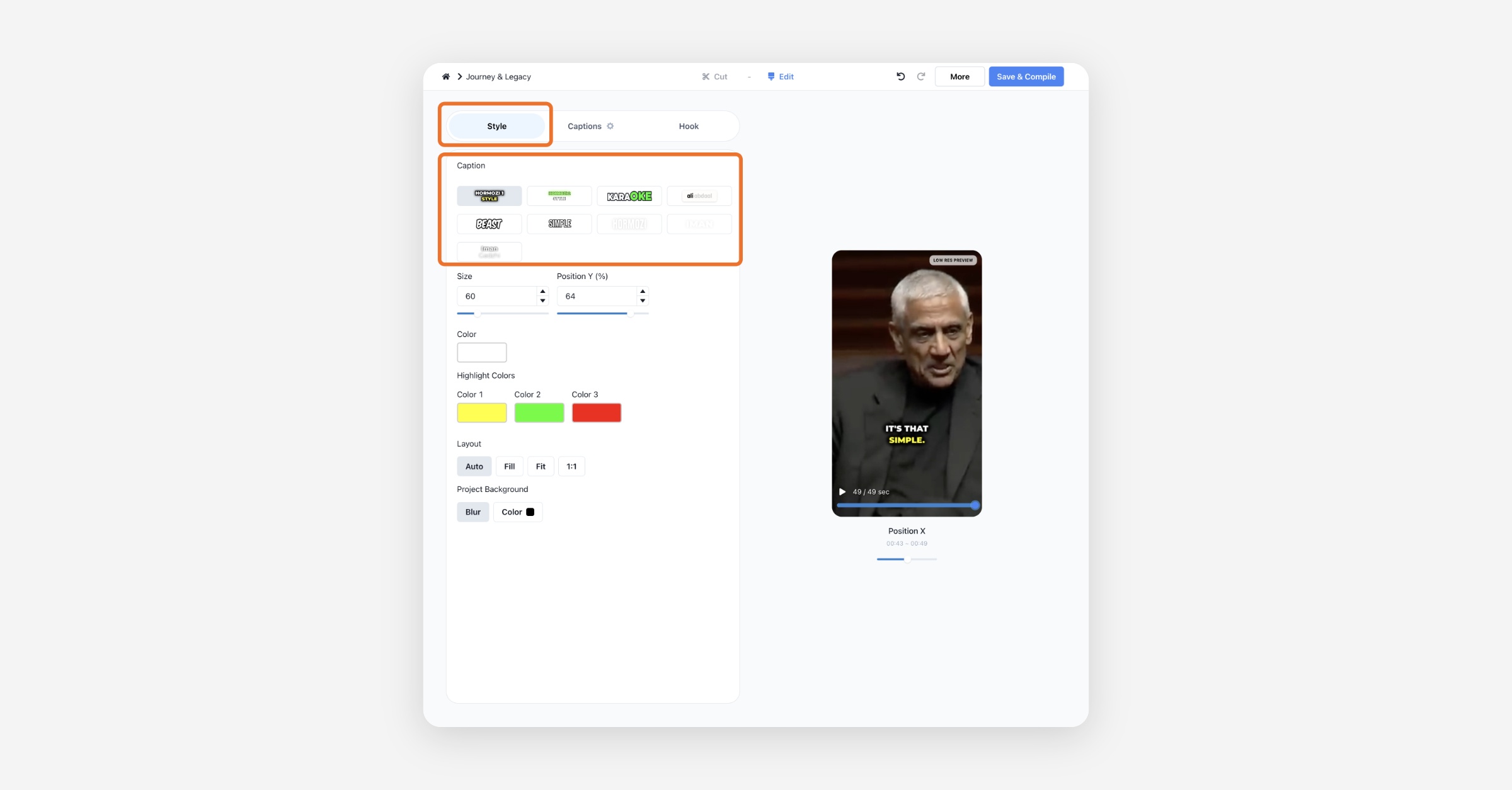
How to Change Size, Position, and Colors of Captions
You can also change the font size, position, and color of the subtitles here.
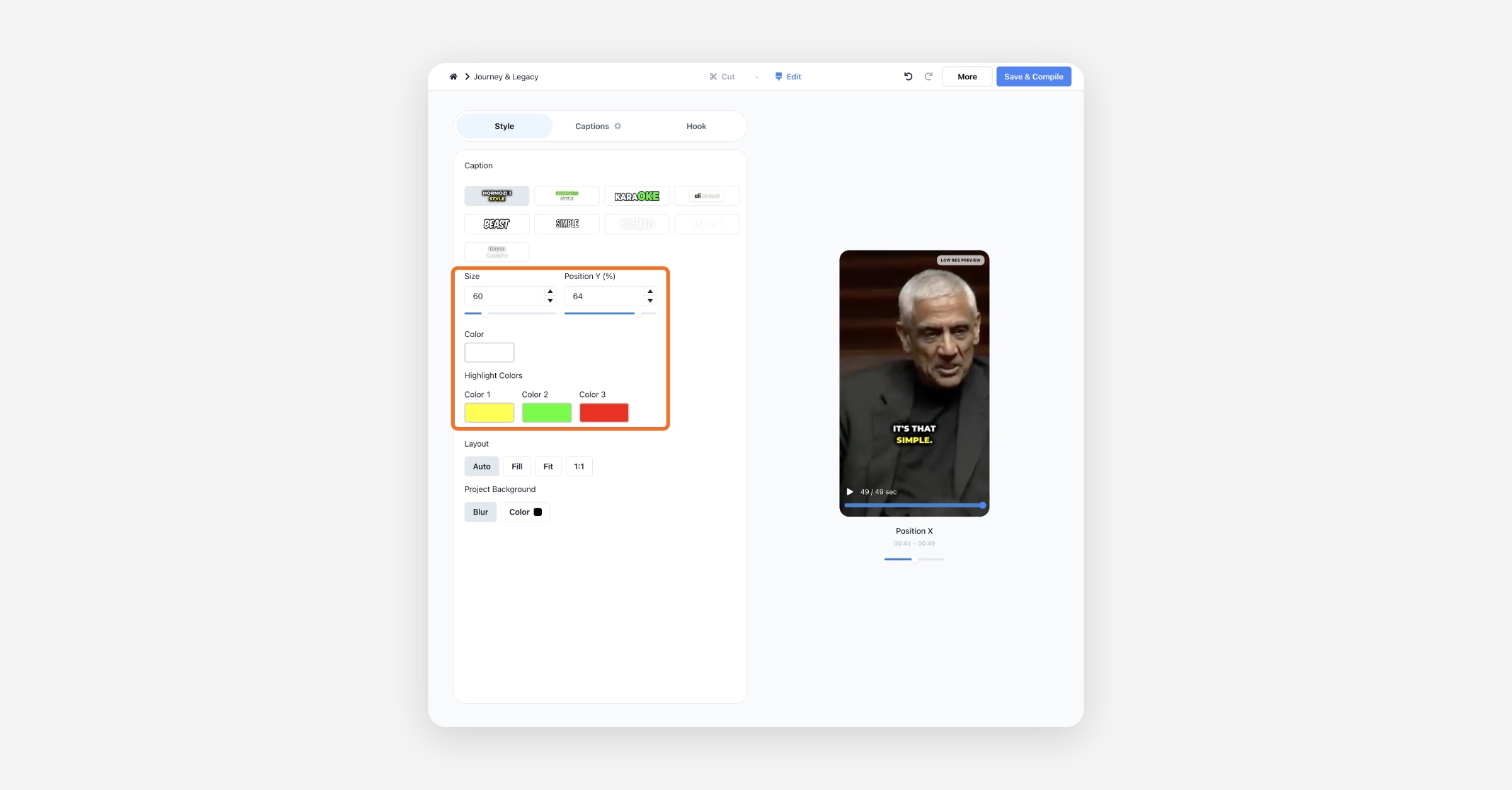
How to Change Clip Layout
You can also change the layout of your video.
Auto: Recognize and focus on the face of the person speaking. In scenes where the speaker's face is unrecognizable, Fit is applied.
Fill: Fill horizontal footage into a vertical format. It is locked to center alignment, so the speaker's face may not be in focus.
Fit: Fits the horizontal footage so that it is all visible in portrait format. This can result in a lot of white space at the top and bottom. You can set the clip background color to fill in the gaps.
1:1: Displays landscape footage so that it appears square in portrait. There may be some white space at the top and bottom. You can set the clip background color to compensate for the white space.
How to Remove Punctuation from Captions
Click the Settings icon next to the Captions tab, and you'll find the Remove Punctuation button. Click it to remove all punctuation from your captions. The same menu also lets you change Words Per Caption.
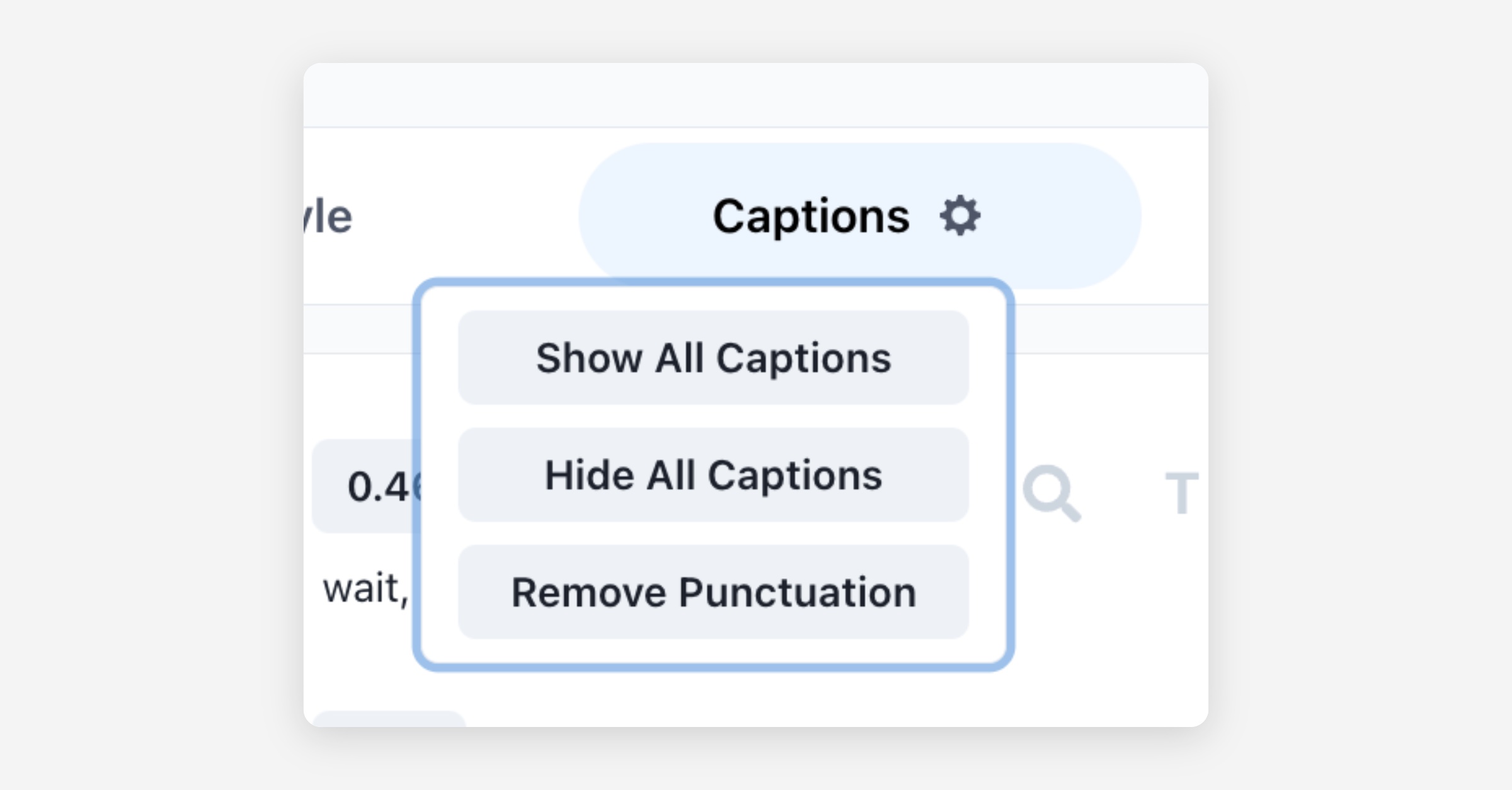
Before

After

How to Hide or Show Entire Captions
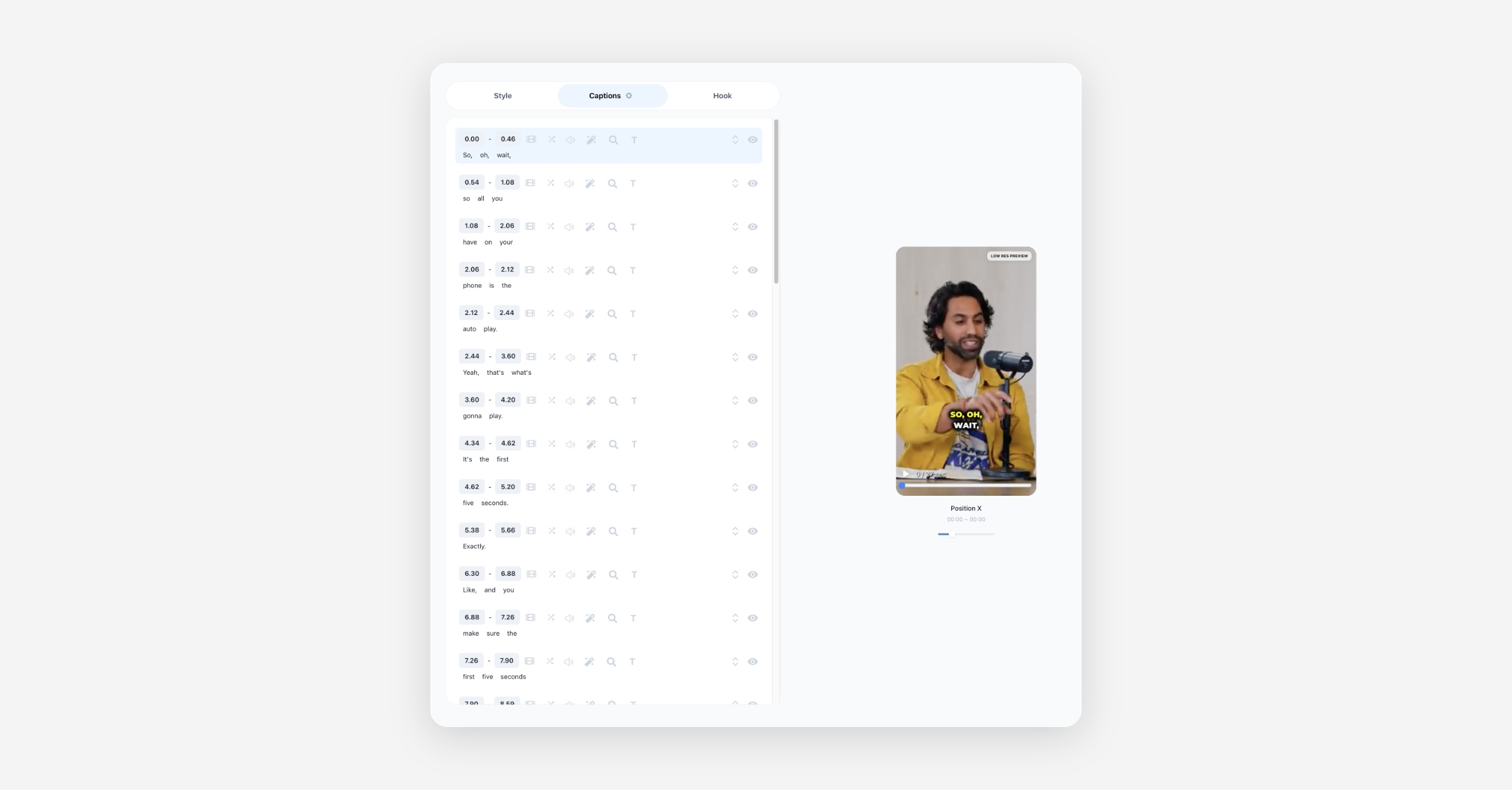
Click the Settings icon next to the Captions tab and switch Captions off to hide all captions. Switch it back on to show them again. Click Save & Compile to apply the change to the clip. See How to Turn Off Captions for more.
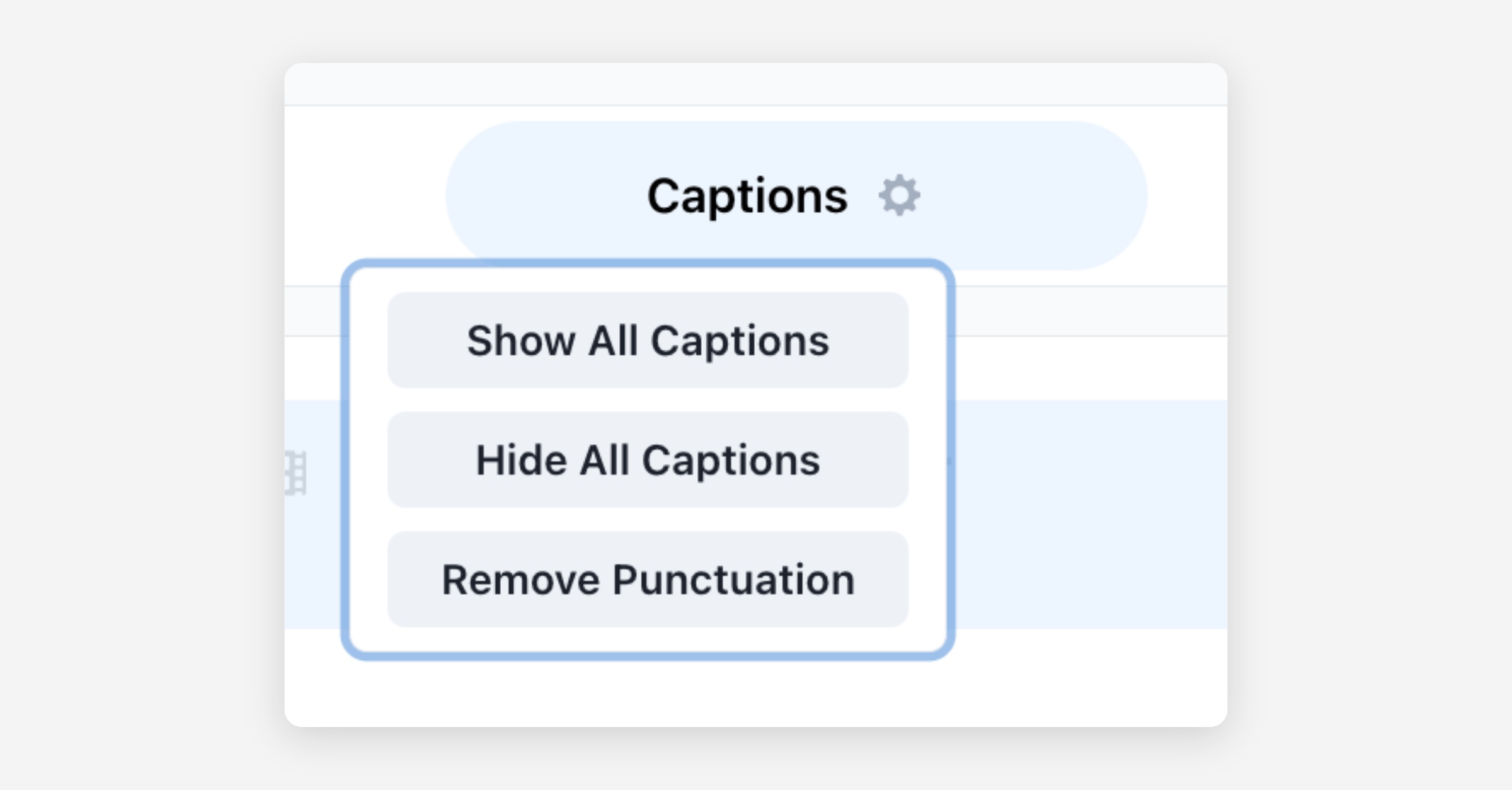
Captions hidden
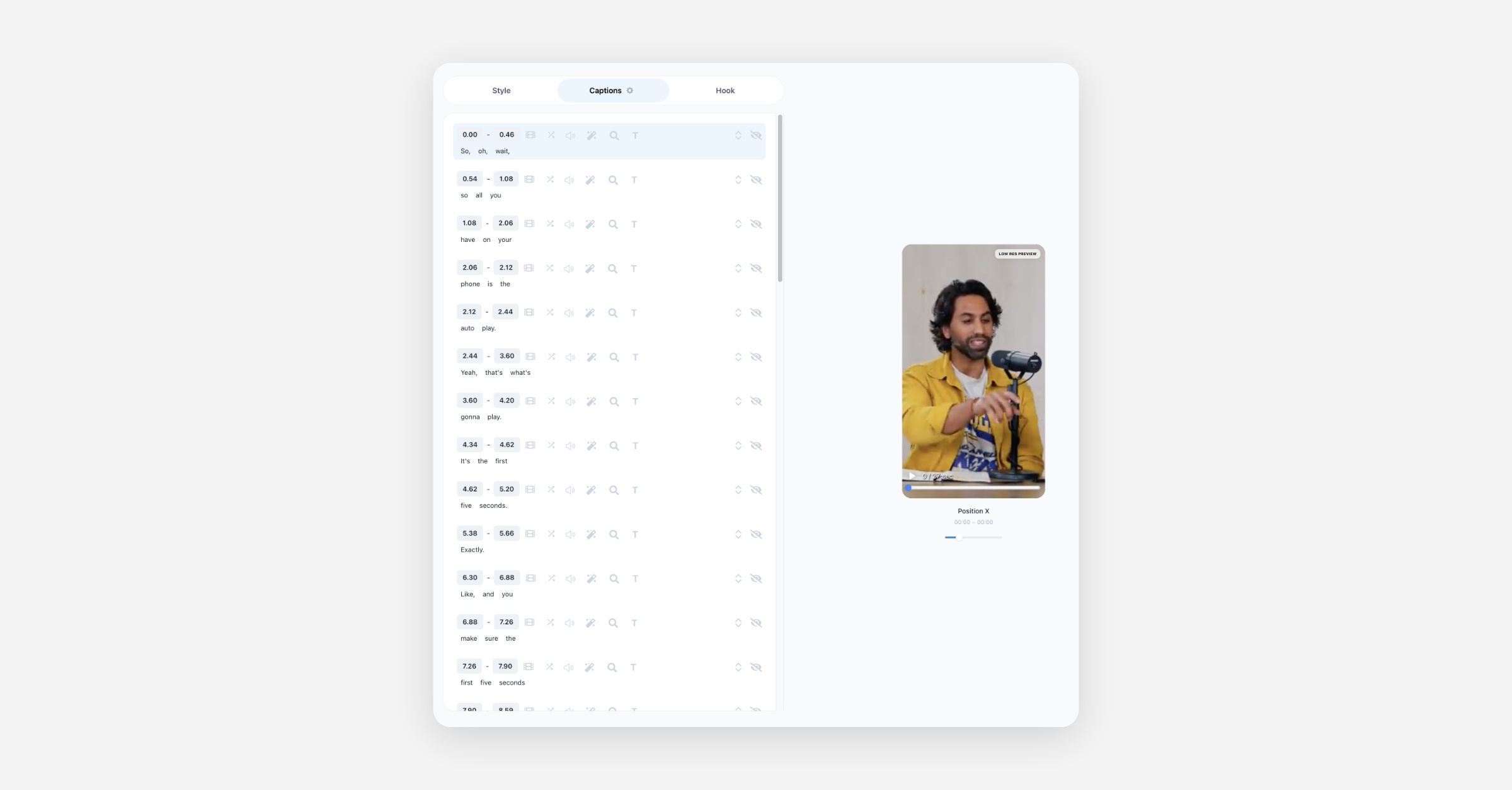
Captions shown
How to Hide A Single Caption
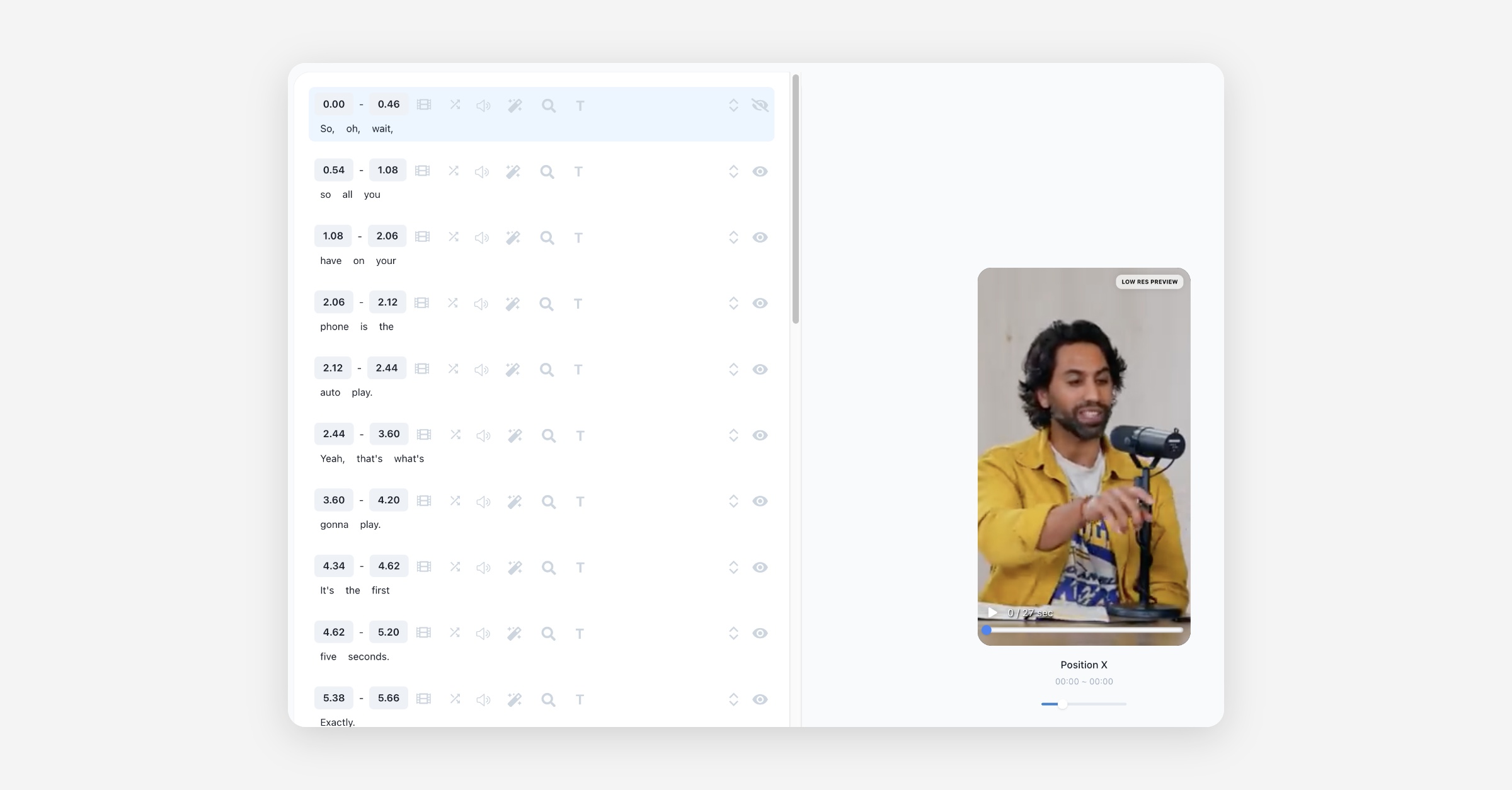
You can hide or show the caption by clicking the eye icon at the right end of the caption.
How to Change Position of A Single Caption
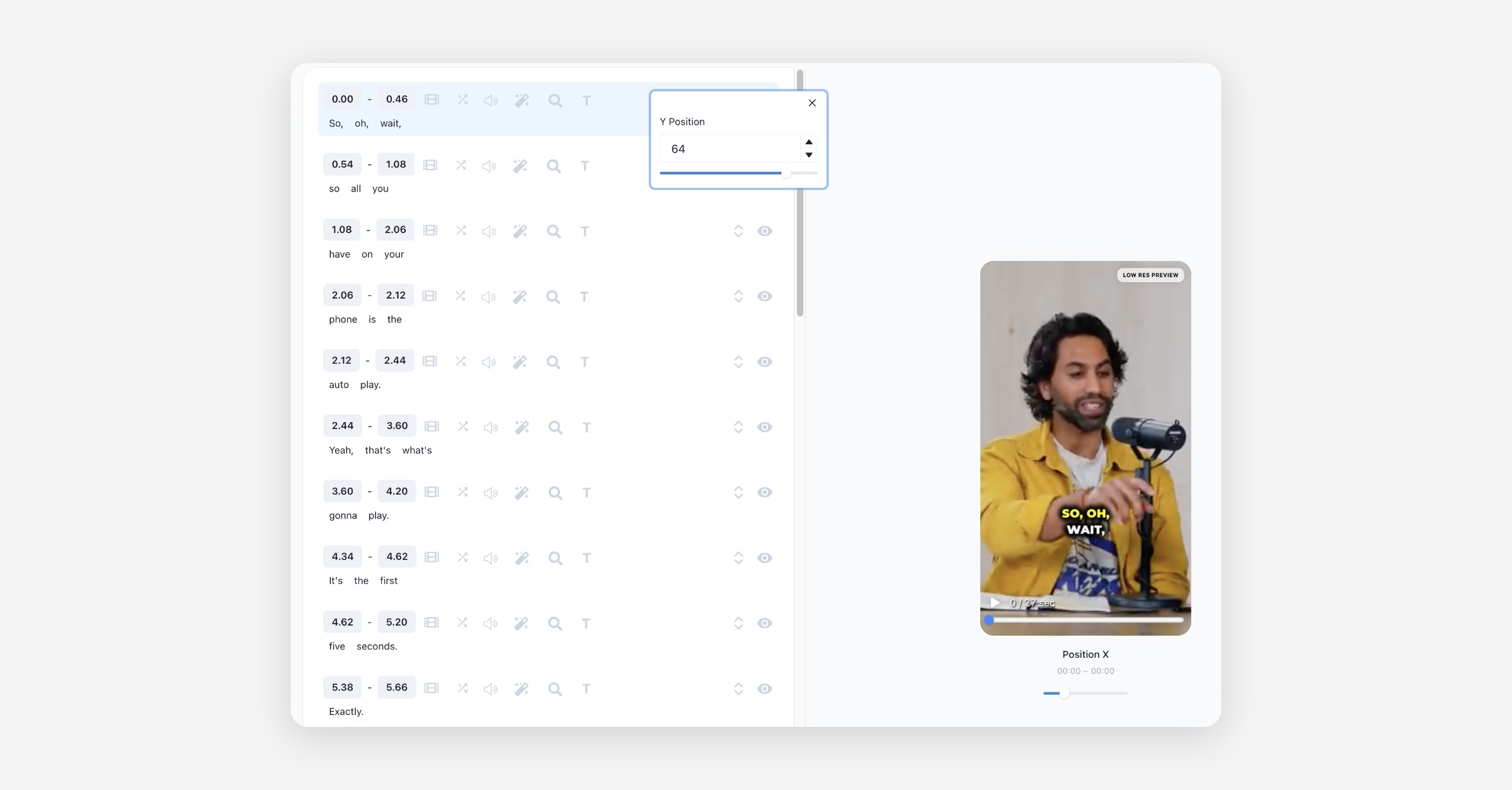
Click the icon that looks like an up and down arrow on the right end of the caption (Move Up & Down button) to adjust the position of the caption.
How to Change Caption Time
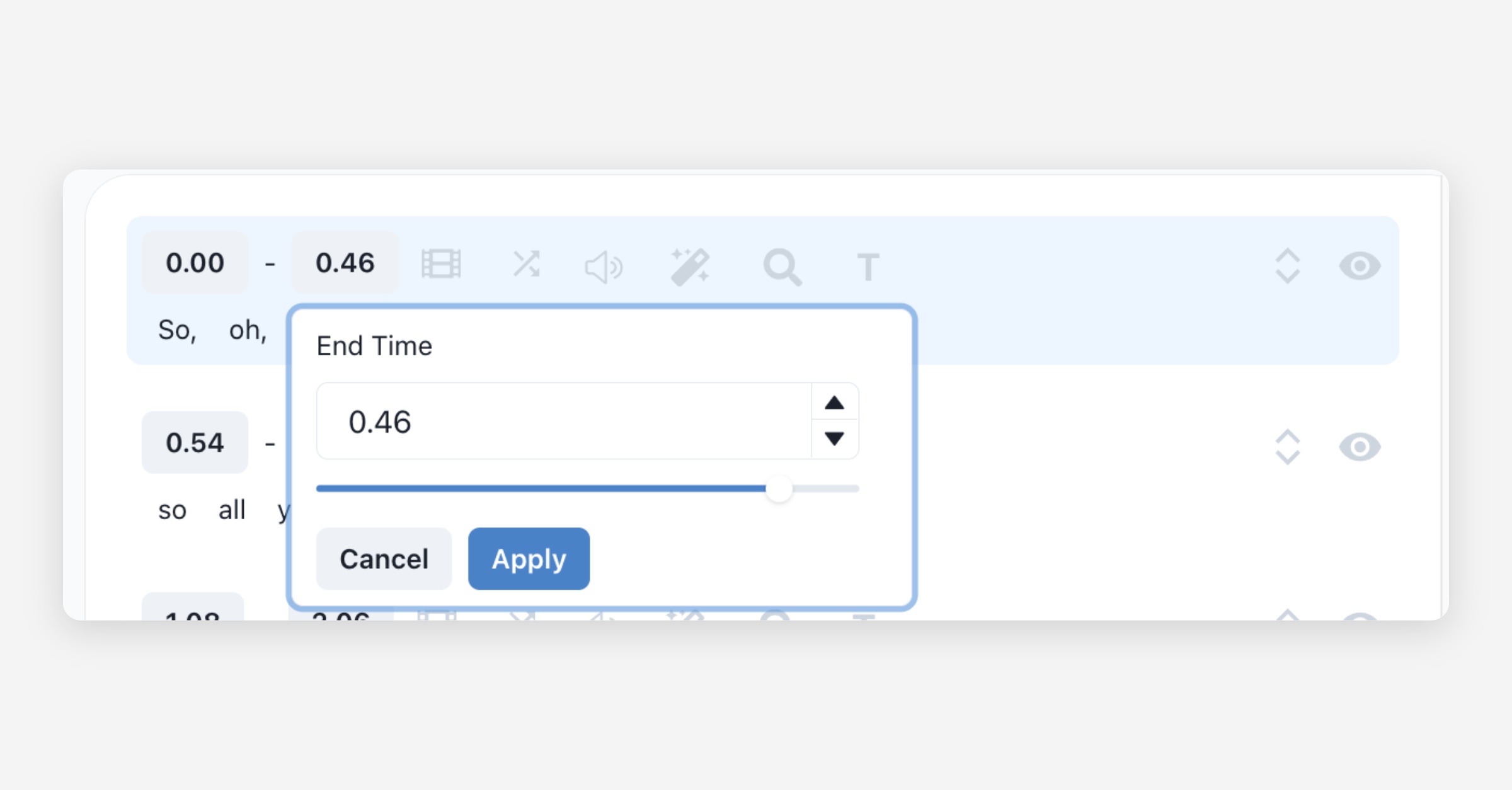
Click the Start Time or End Time button on the caption to adjust the time, then click Apply.
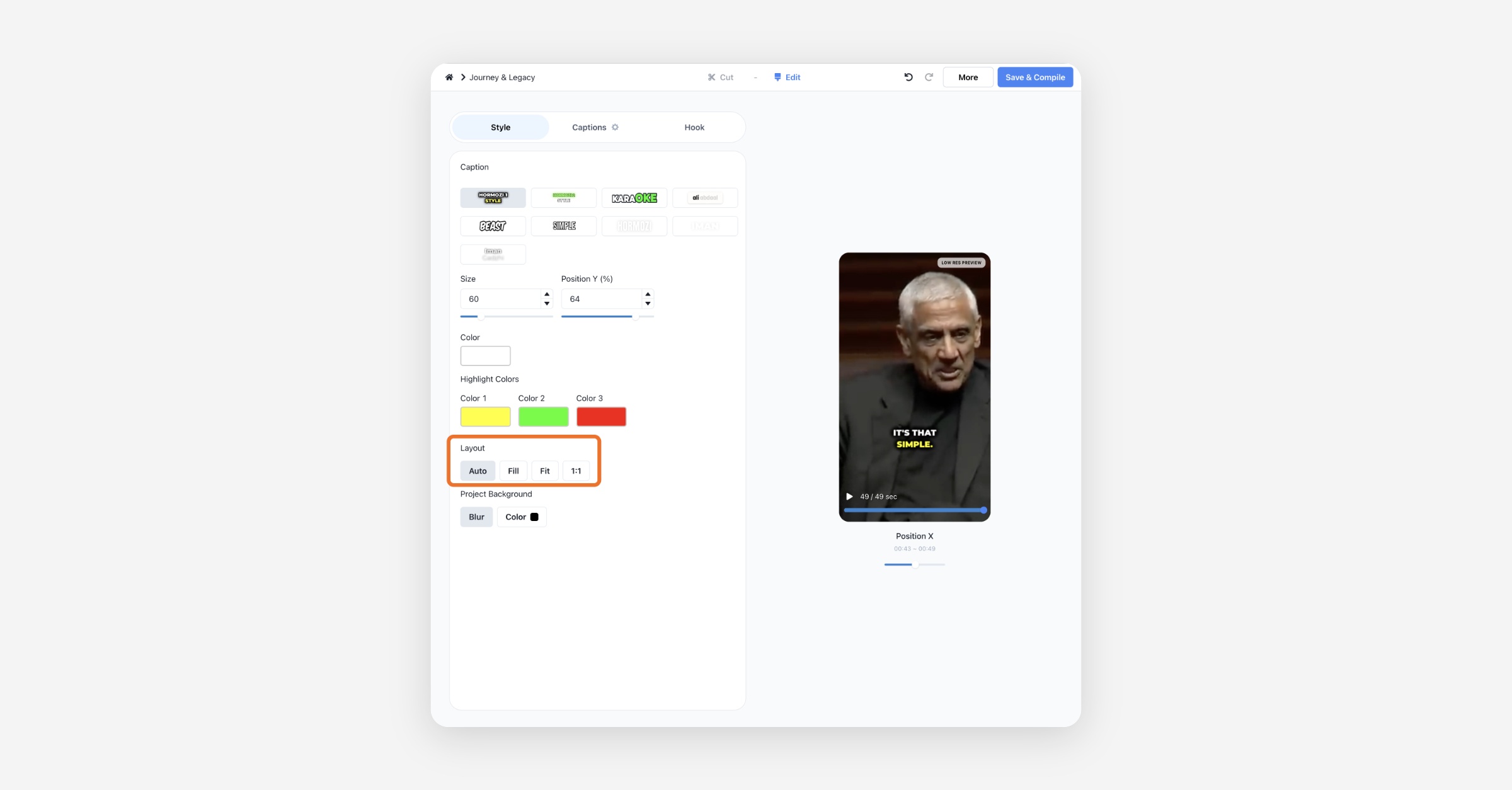
How to Modify Word
Click the word in the caption and change the text value of the word. From the same menu you can also Remove Word, Split into new line, or merge the line with the previous or next one.