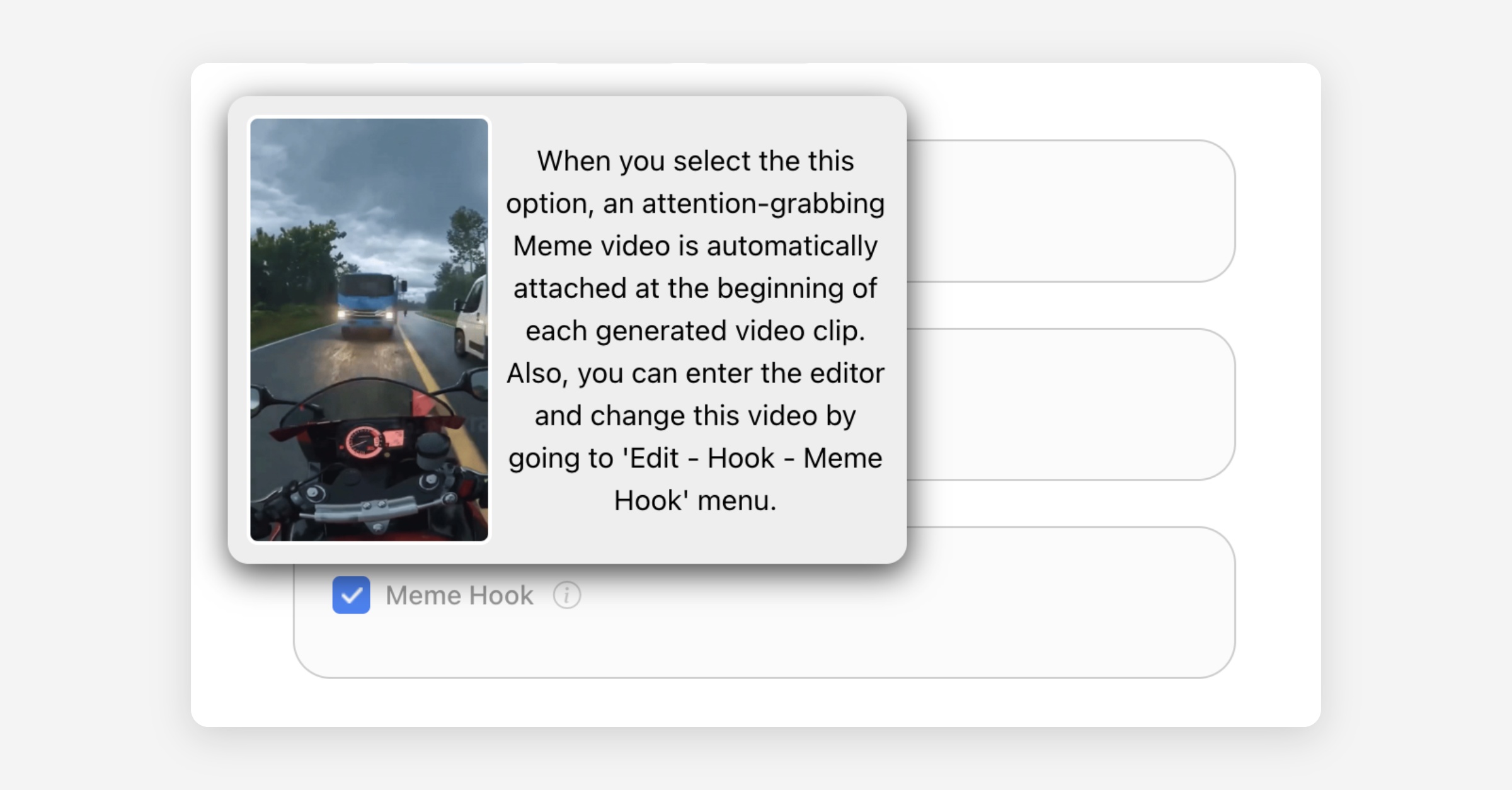

Choose Caption Template
There are a variety of caption templates for short form clips. Choose your favorite template. New caption templates are added continuously.
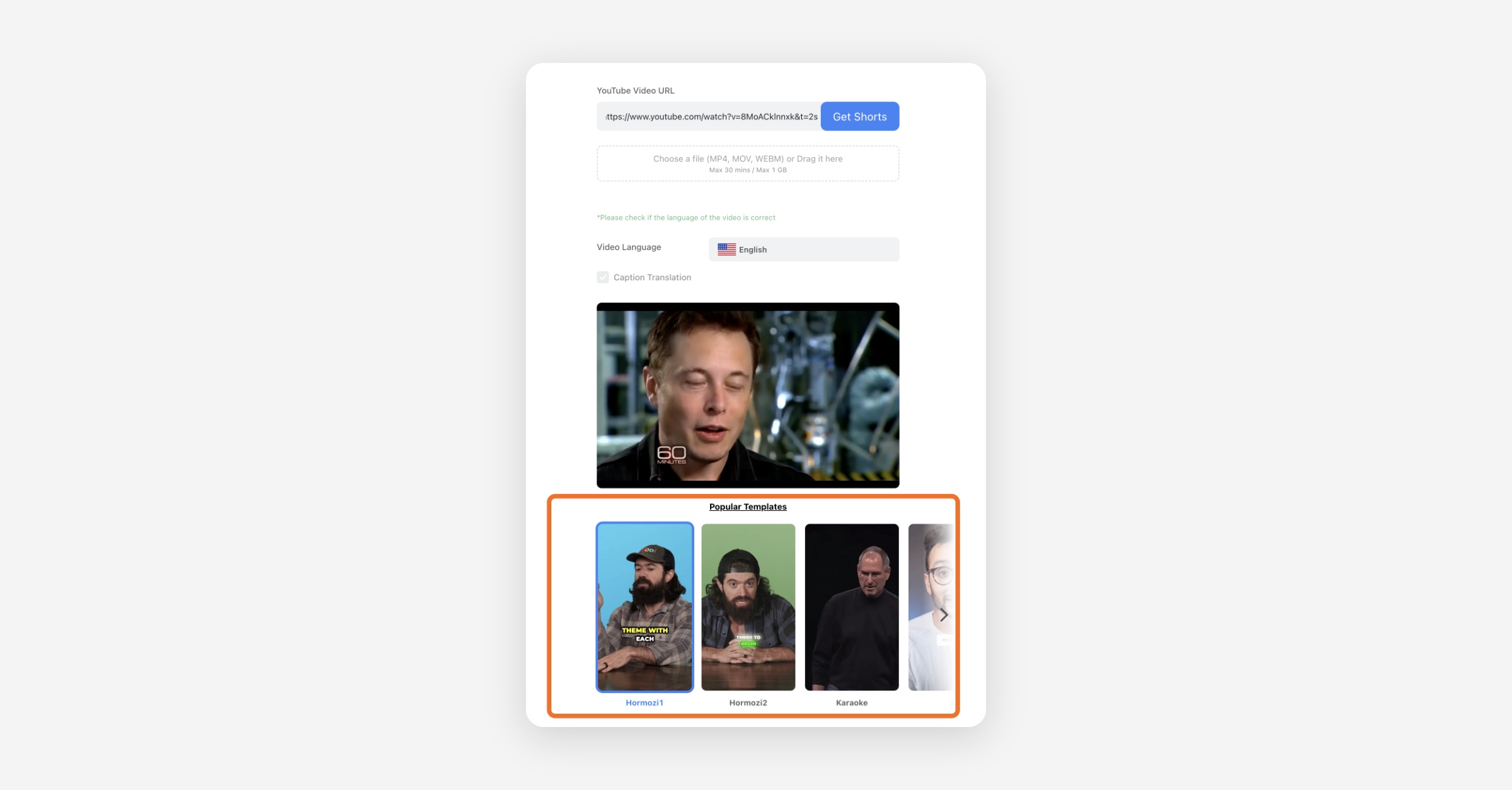
Processing Timeframe
If you only need to process a specific portion of a long video, use Processing Timeframe to clip just that part. After adding your video, drag the start and end handles to the part you need.
Max Input Range
Currently, the maximum range you can select between start and end times is 20 minutes.
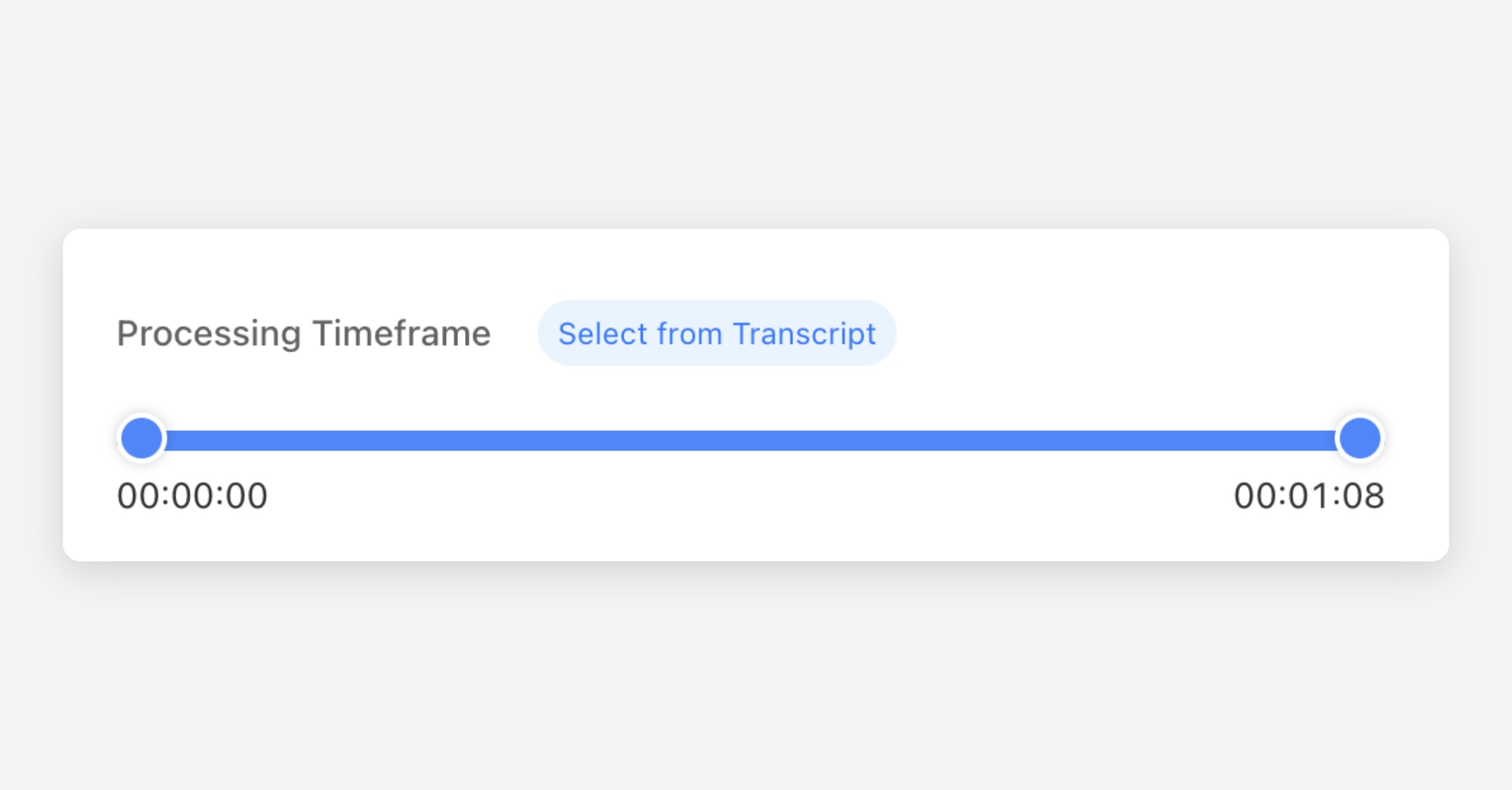
Clip Entire Video
You can set the input video’s timeframe in increments of up to 20 minutes (1 credit per project).
Therefore, if you want to clip an entire long video, you'll need to create multiple projects. In this case, enabling the “Clip Entire Video” toggle will automatically split the long video into segments and generate multiple projects accordingly, using 1 credit per segment.
Translate Caption to Another Language
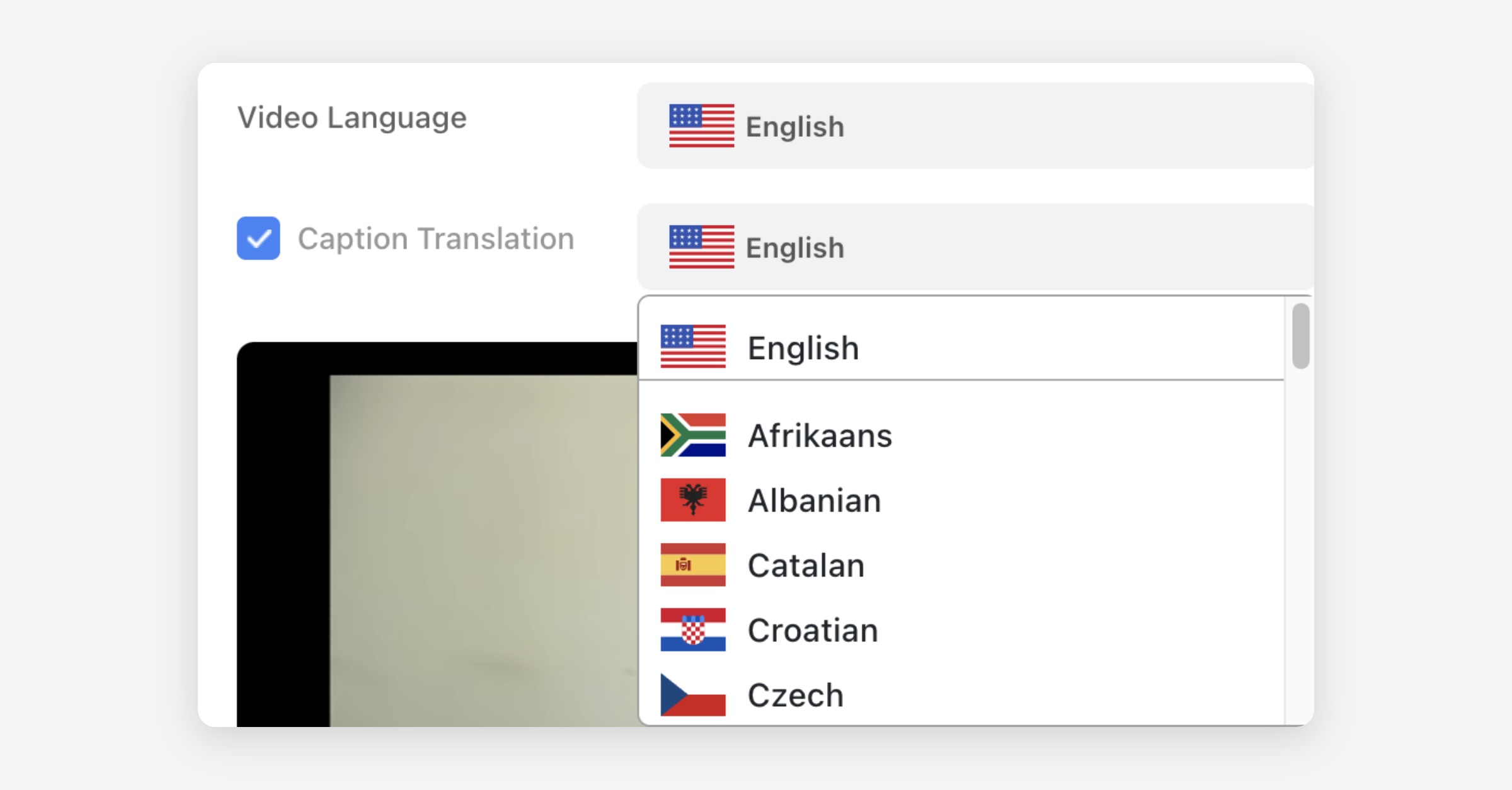
You can translate captions to another language.
After adding your YouTube link or video file, click Video Language and choose the right language. Select Caption Translation to choose the language for translation.
Select the Preferred Clip Length
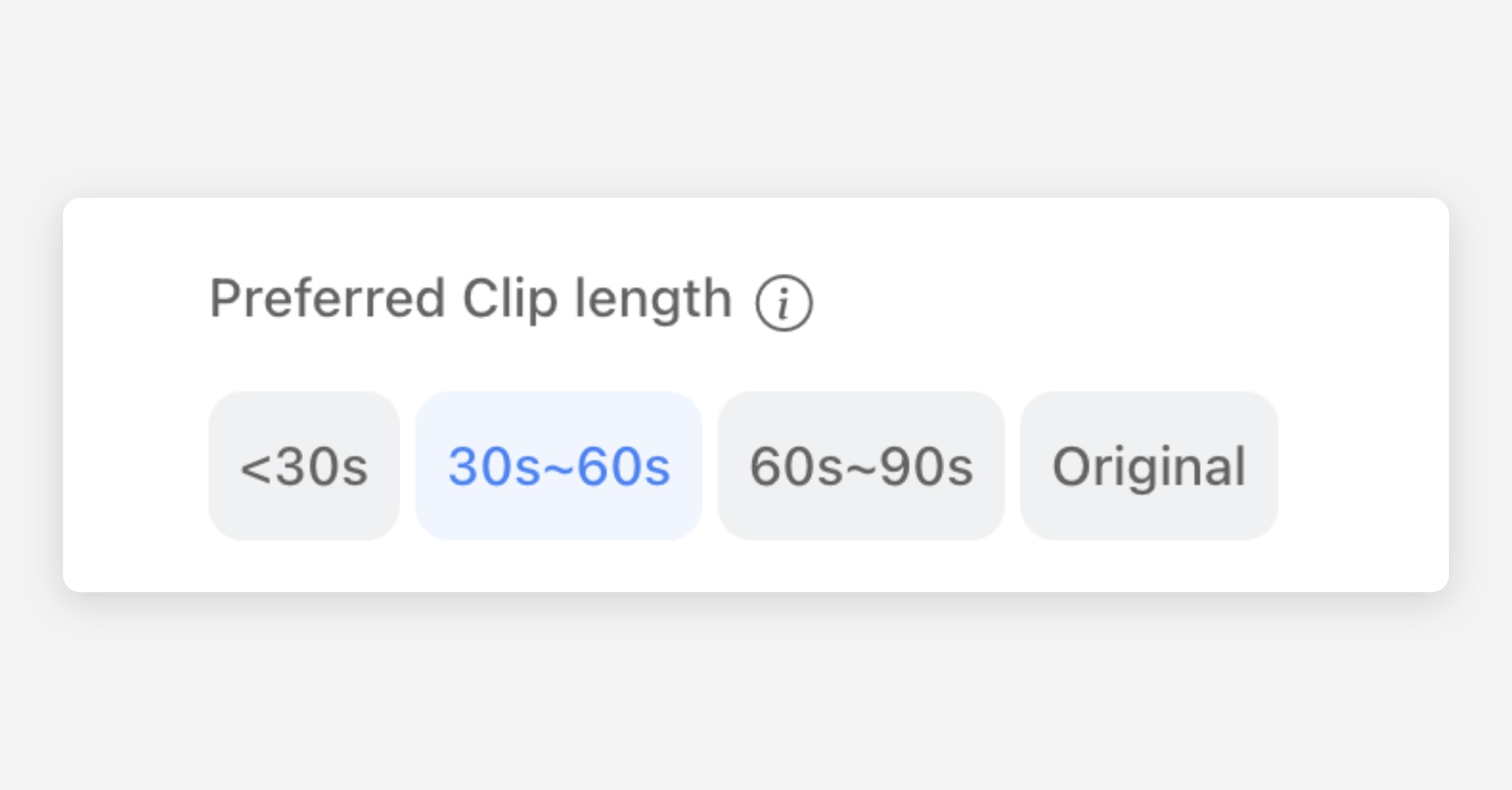
You can select your desired clip length: <30s, 30s~60s (the default), 60s~90s or Original.
If you select Original, Ssemble only adds captions to the video without clipping it. With this option, the input video can be at most 5 minutes long.
However, depending on the video, the selected Preferred Clip Length may not be applied exactly.
This is because the clips are created by dividing the video into sentences and then combining these sentences to closely match the chosen length.
If individual sentences are very long, the resulting clips may exceed your selected Preferred Clip Length.
Video Overlay
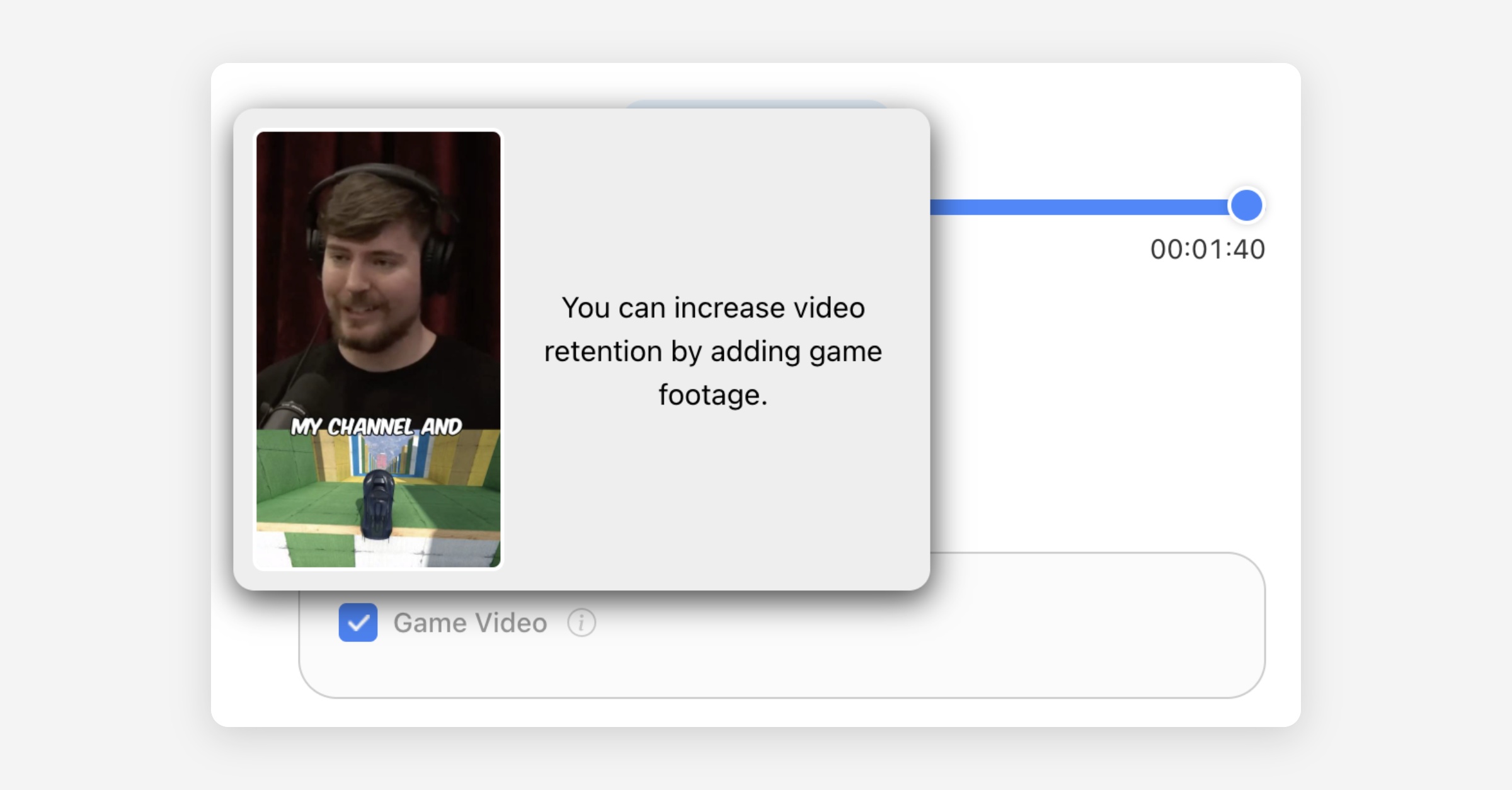
Video overlay (previously called Game Video) adds a looping video to the bottom half of each clip, such as gameplay footage from the stock library or your own landscape or square upload. Adding a looping video under the main footage is a favorite technique of many TikTok, Shorts and Reels clippers to increase viewer retention.
Hook Title
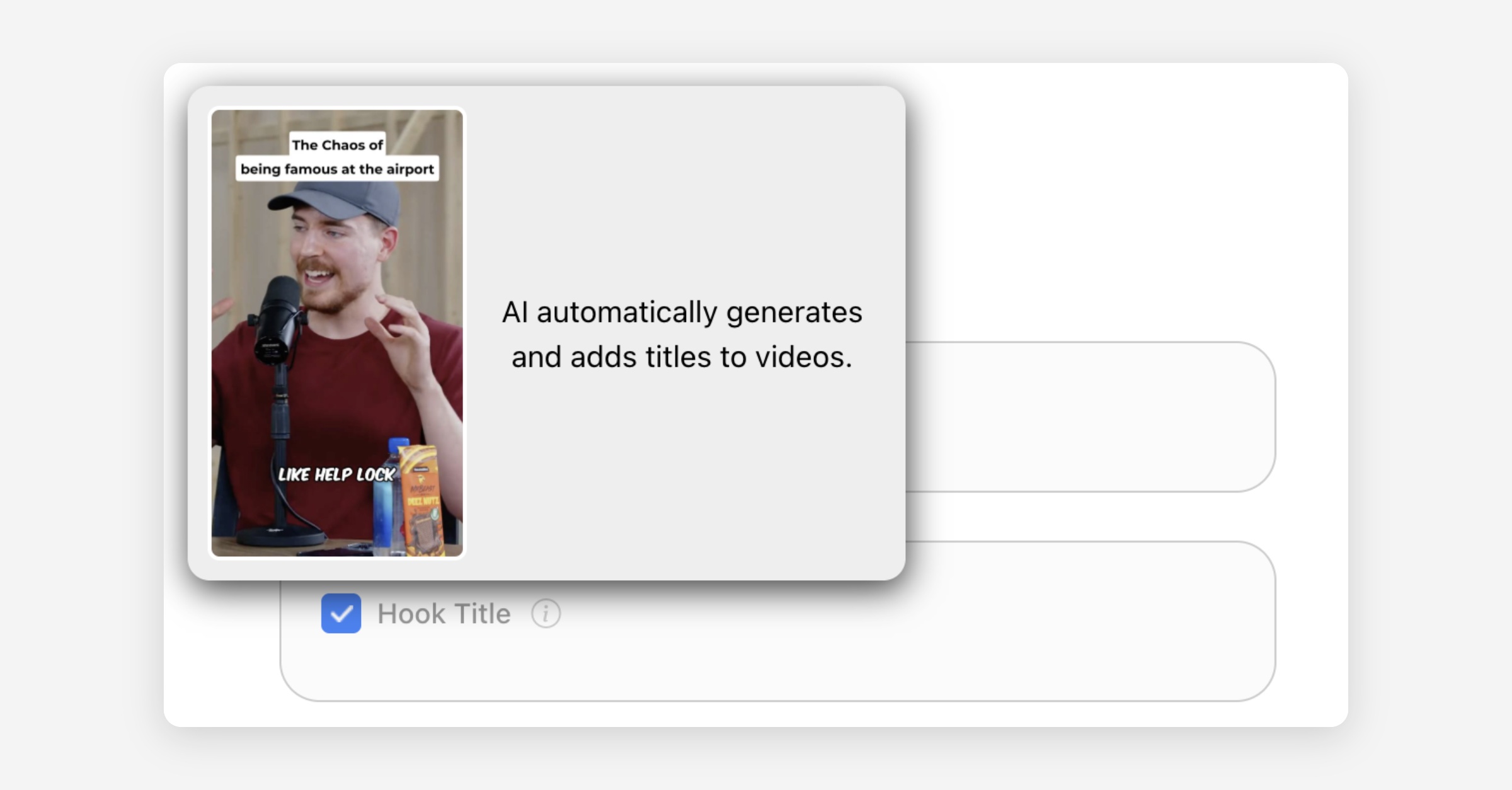
If you switch this on, AI automatically generates and adds titles to videos.
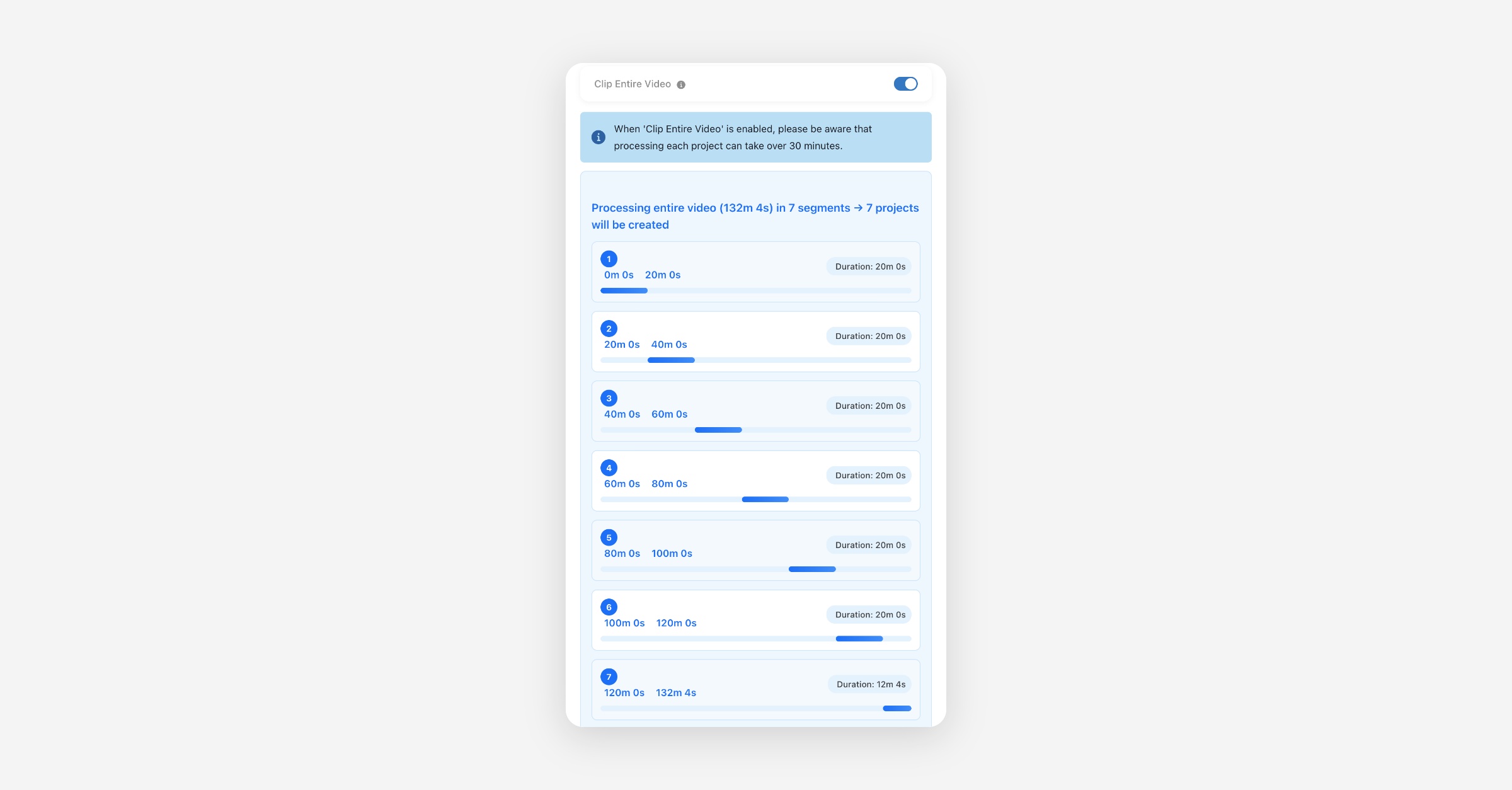
Meme Hook
When you select this option, an attention-grabbing Meme video is automatically attached at the beginning of each generated video clip. You can also enter the editor and change this video by going to 'Edit - Hook - Meme Hook' menu.