Ssemble
Help Center
/
English
EN
How to Enter Editor - Ssemble Help Center | Productlane
Getting Started
Make Clips
End Screen Outro (“Please Subscribe” Card)
How to Submit Your Video
How to Turn Off Captions
Color Filters (B&W, Warm, Cool, Vintage, Vivid)
Custom Options
Completion Notification
Clips Generation Failed
Download Clips
How Many Clips can I get?
How to Enter Editor
How to Cut or Trim Clips
How to Edit Caption
Advanced Editing Features
How to Download or Copy Entire Captions
Project Retention Policy
Supported Video Sources For AI Clipping
How to delete a project
Why are my clips in the wrong language?
How to delete clips
Publish Clips
Account
Billing
Monetization
Automations
AI Templates
Developers
All articles
How to Enter Editor
Copy page
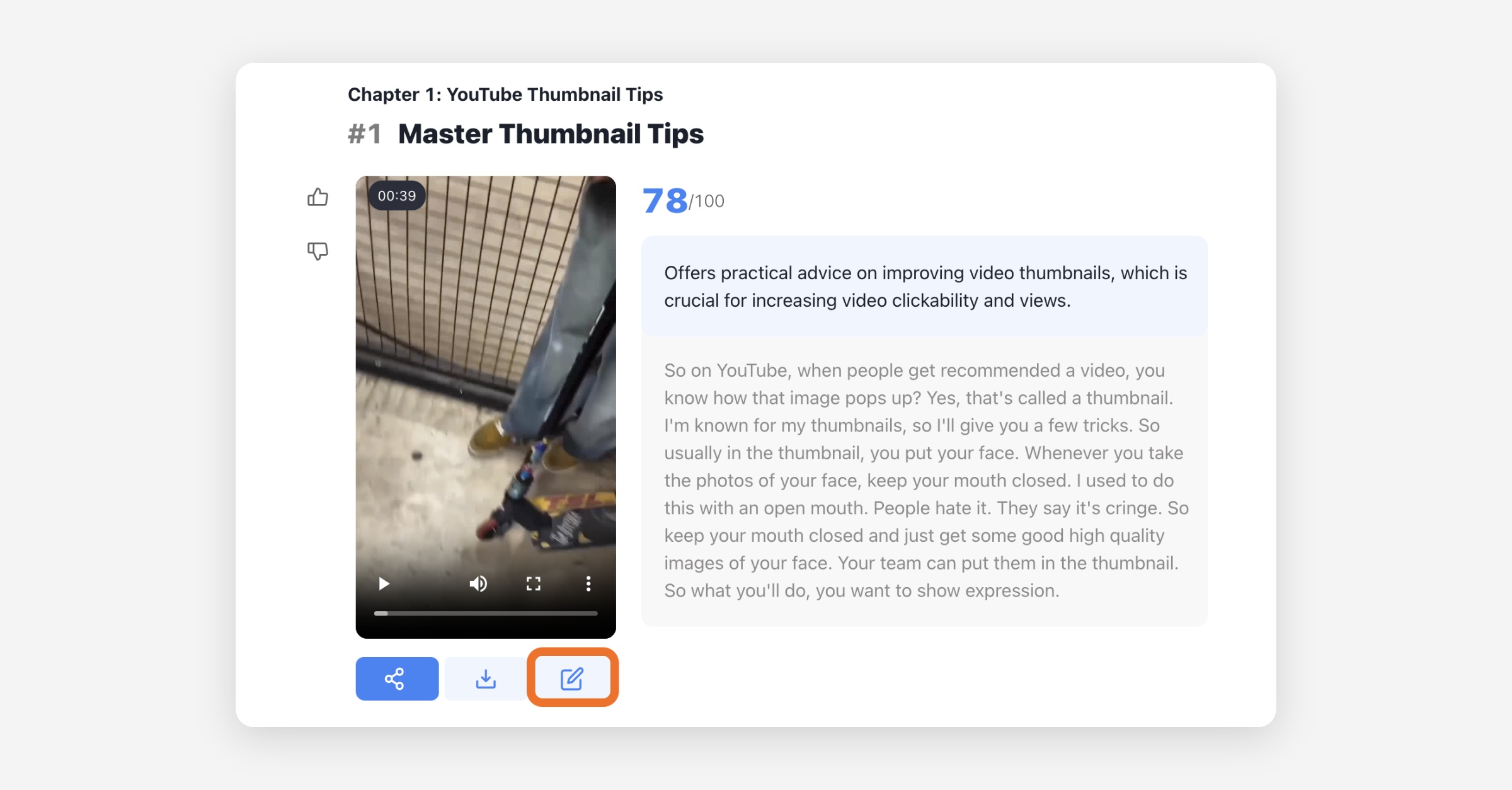
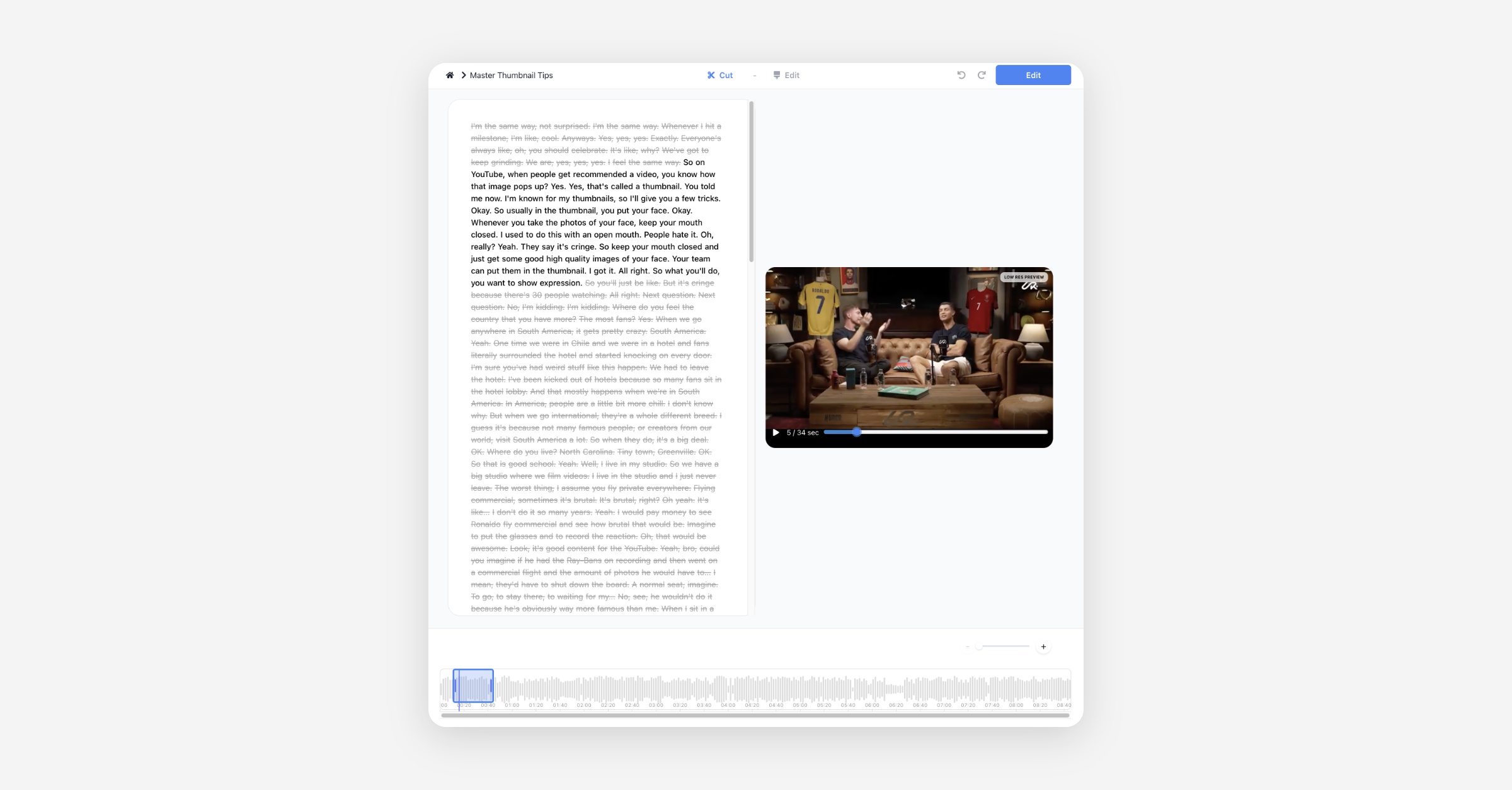
You can enter the editor by pressing the Edit button below the clip.
Prev
How Many Clips can I get?
Next
How to Cut or Trim Clips
Was this helpful?
Powered by Productlane
⌘J