
Delete Account
How to permanently delete your Ssemble account, what gets removed, and the confirmation step that's easy to miss.
To delete your account, go to https://app.ssemble.com/account-setting and click "Delete Account" at the bottom of the page.
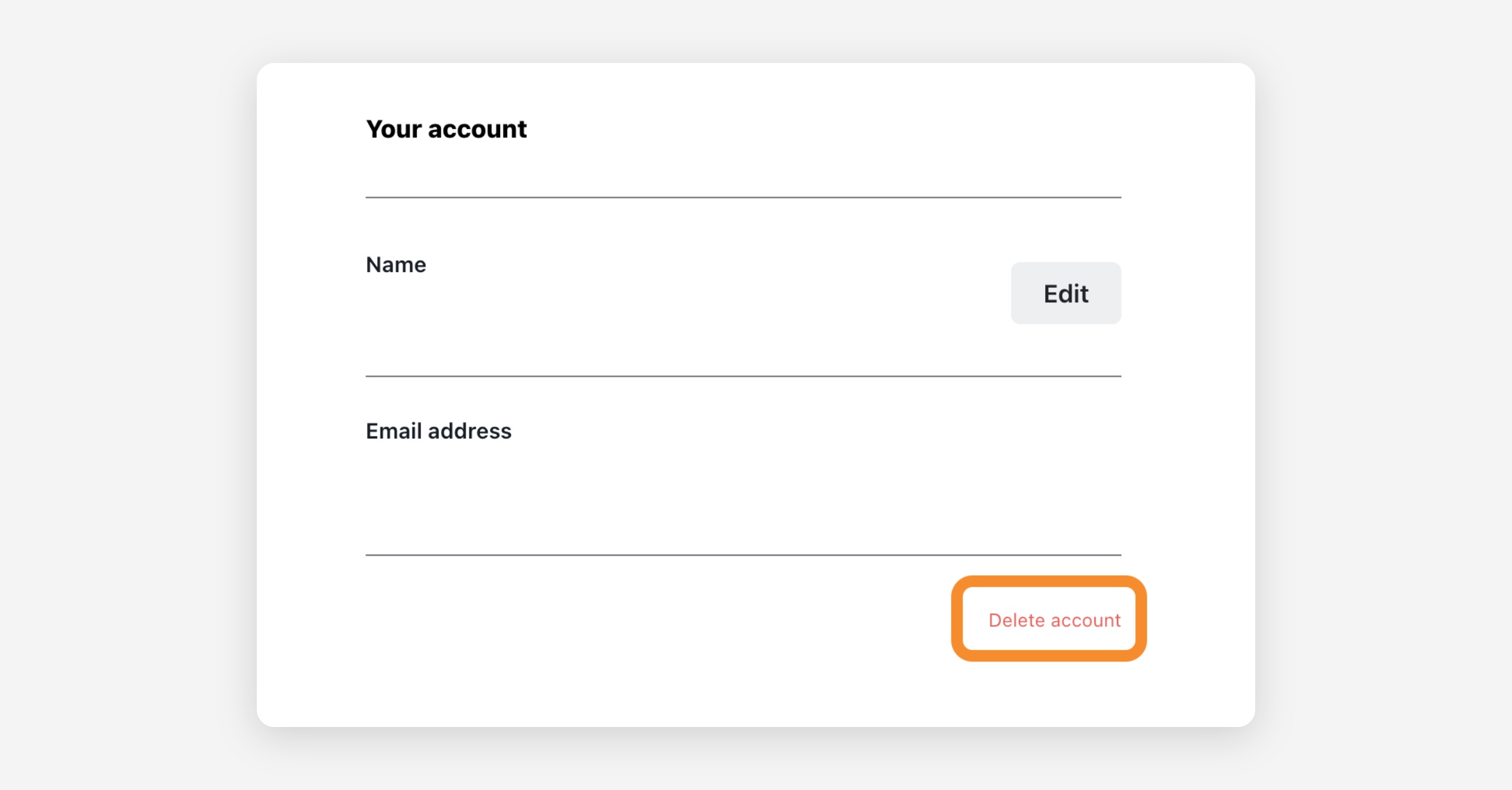
A confirmation window will then open. Type CONFIRM in the text box — it must be in capital letters, exactly as shown, with no extra spaces. The delete button stays disabled until the word matches exactly. Then click the delete button.
How to know it worked: you will be signed out and returned to the Ssemble homepage. If you are still logged in and nothing happened, the deletion did not go through — the most common reason is the confirmation word not being typed exactly as CONFIRM.
What happens when you delete your account:
- Your account data is permanently deleted — this cannot be undone.
- Your subscription is canceled and your card information is deleted. You will not be charged again.
- Your channel automations are stopped, and any clips still waiting in the posting queue are canceled.
Good to know:
- Videos already posted to your social channels are not removed — they live on your own YouTube / TikTok / Instagram account. You can delete them there (for YouTube: YouTube Studio → Content → select the videos → Delete).
- If you only want to stop being charged but keep your account, cancel your subscription in the same settings page instead of deleting the account.
- If the deletion doesn't complete for any reason, contact support and we'll remove the account for you.
Was this helpful?