
How to Update Your Profile Information
How to Access:
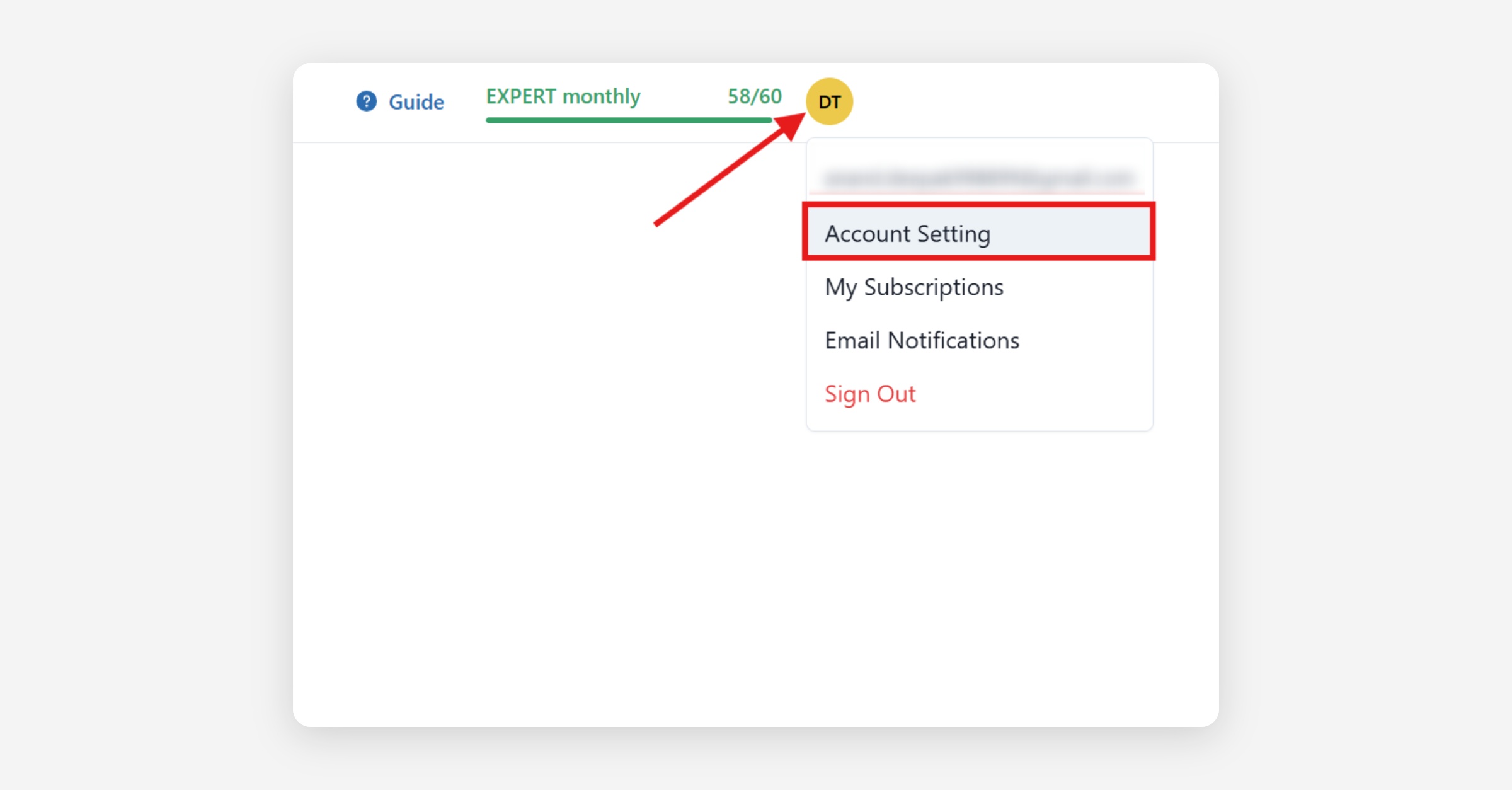
Click Profile Picture → Account Settings
Change Display Name
Click the edit button next to your display name.
Use your real or brand name
Click Save
Change Country
Open Account Settings and look for the Country field in your profile or billing section.
Select the correct country from the list.
Click Save.
If the Country field is missing or your change won't save, contact Ssemble support and tell them which country you need set on your account. Support can update it for you.
Change Email
Unfortunately, Ssemble does not support changing the email address associated with your account.
Why Can’t I Change My Email?
Your email is directly linked to your payment and subscription records through Stripe, our payment processor. Changing your email could cause discrepancies in billing, subscription management, and account security.
What If I Need to Use a Different Email?
If you need to use a different email, you will need to create a new account with your preferred email address. However, please note that:
Your previous projects, payment history, and active subscriptions will not be transferred to the new account.
You may need to cancel your current subscription and repurchase it under your new account.
Change Paypal Email
To change the paypal email, click on edit button next to PayPal email address.
Provide a valid paypal email address.
Was this helpful?