
Manage Account
Forgot Password / Change Password
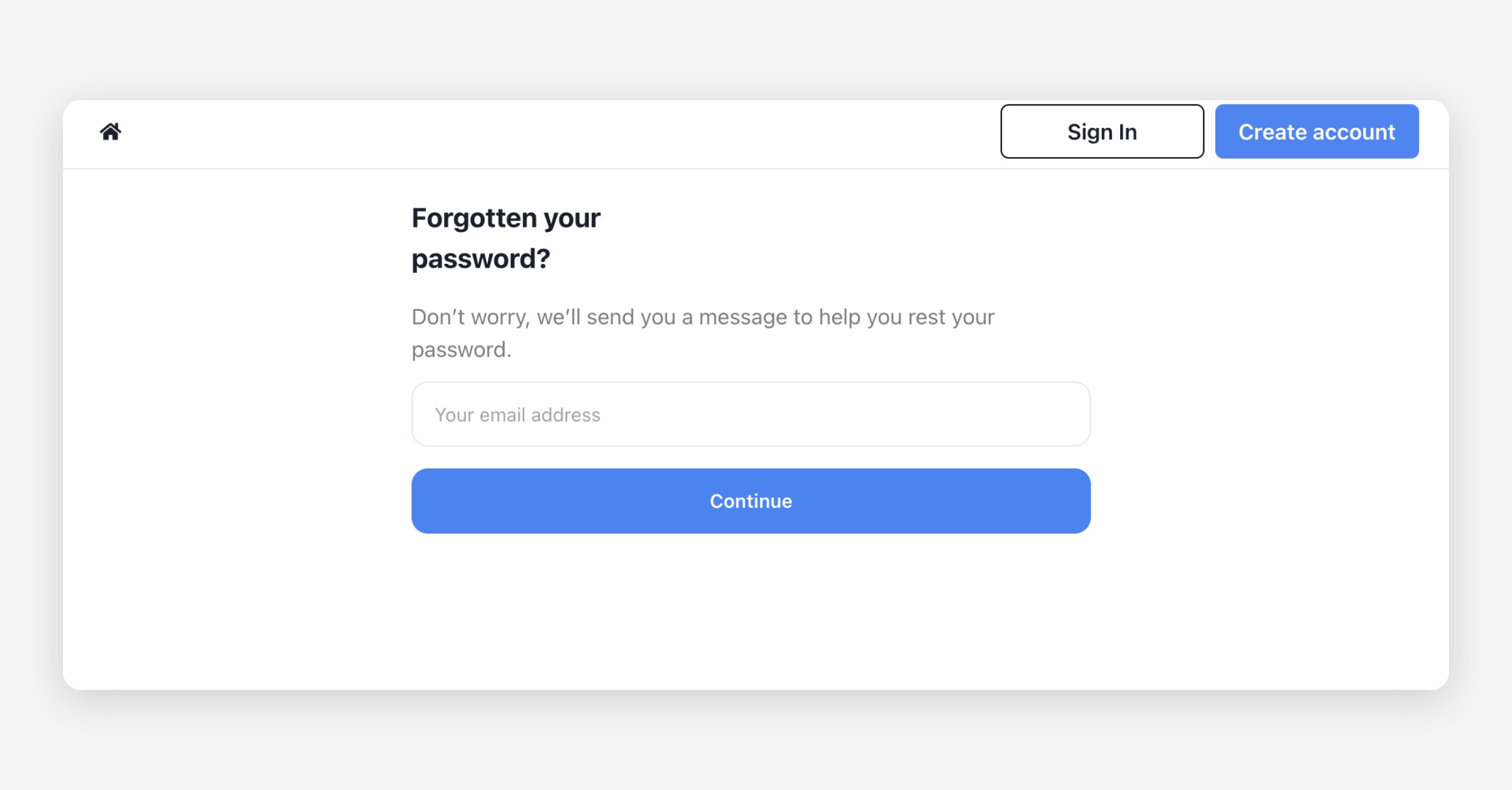
If you forgot your password or want to change it, please visit the URL below and enter your email address. A password reset email will be sent to you.
https://app.ssemble.com/forgotpassword
Change Email
Unfortunately, Ssemble does not support changing the email address associated with your account.
Why Can’t I Change My Email?
Your email is directly linked to your payment and subscription records through Stripe, our payment processor. Changing your email could cause discrepancies in billing, subscription management, and account security.
What If I Need to Use a Different Email?
If you need to use a different email, you will need to create a new account with your preferred email address. However, please note that:
Your previous projects, payment history, and active subscriptions will not be transferred to the new account.
You may need to cancel your current subscription and repurchase it under your new account.
Was this helpful?