

To protect your social accounts from being flagged as spam, Ssemble limits how many posts each connected account can publish. The limits apply per account, so two TikTok accounts each get their own limit.
Daily limits per account
| Platform | Posts in any 24 hours |
|---|---|
| TikTok | 15 |
| 25 | |
| YouTube | 20 |
| X | 20 |
The 24 hours are counted around the time you pick, not by calendar day. Posts you schedule by hand and posts from Channel Automation count toward the same limit.
There is also a limit of 3 posts per minute per account. If you go over it, you'll see "Rate limit exceeded. Please allow at least 1 minute between posts."
What you'll see when an account reaches its limit
When you pick accounts and a time in the Schedule post window, Ssemble checks each account for that time. If an account already has the maximum number of posts in that 24-hour window, it can't be selected and you'll see a message like:
This account already has 15 posts scheduled in this 24-hour window (limit 15). Pick a time on another day.
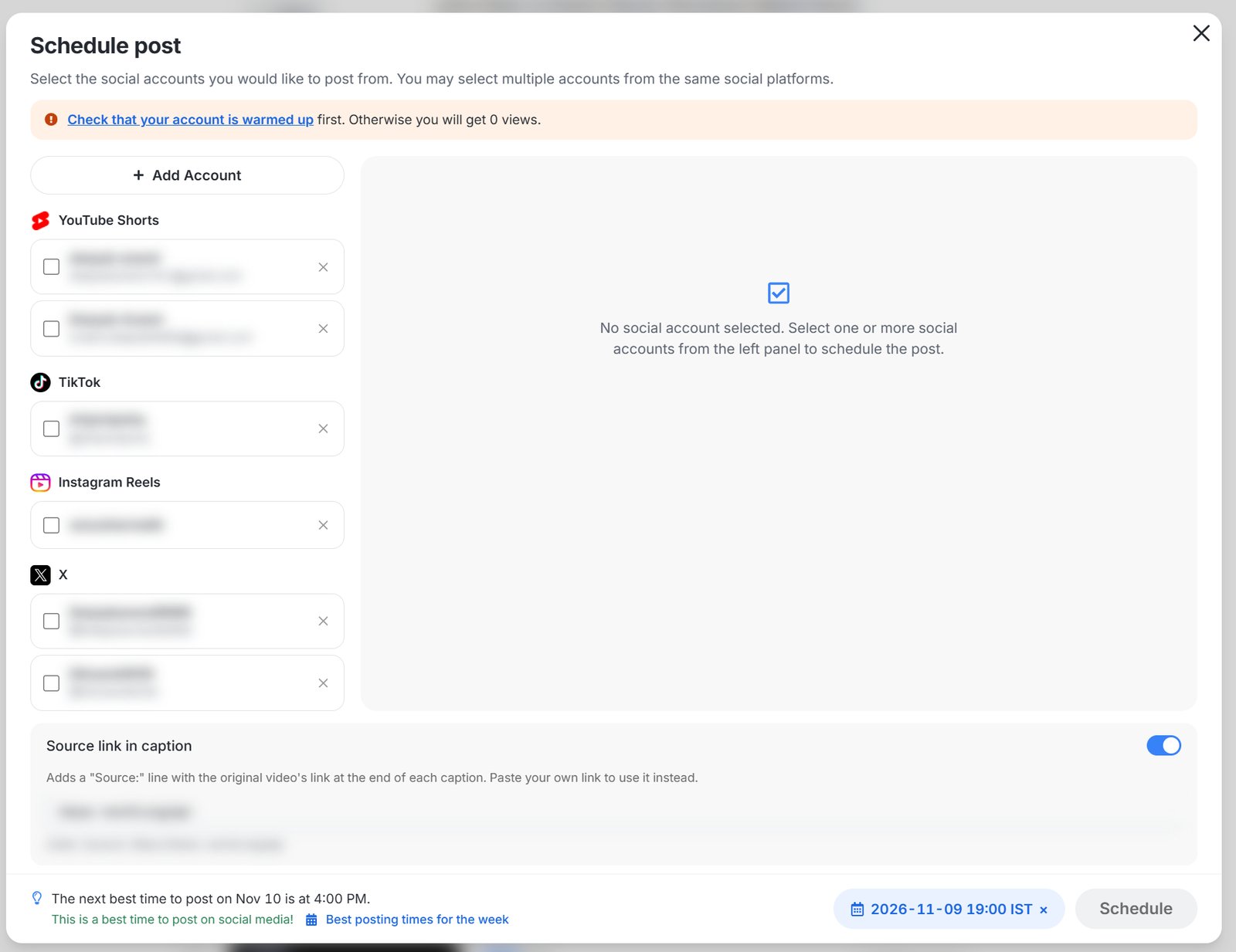
If you schedule several clips at once, the scheduler shows how many posts each account gets per day. Lower clips per day, pick another start day, or uncheck the account that would go over its limit.
Platforms can refuse posts below these limits
TikTok, Instagram, YouTube and X set their own limits, and they don't publish all of them. New accounts and accounts with recent warnings can be refused even below the numbers above. YouTube, for example, may show "upload limit exceeded" for a channel that is still building trust.
To keep your account safe:
- Start with a few posts a day on a new account, and increase slowly. See Social Media Account Warm-Up.
- Spread posts out over the day instead of posting many at once.