
How to Manage Email Notifications
📌 Overview
Your email notifications help you stay updated about your projects, clip submissions, and rewards — without missing any important changes. You can easily manage which updates you want to receive.
⚙️ How to Access Your Email Notification Settings
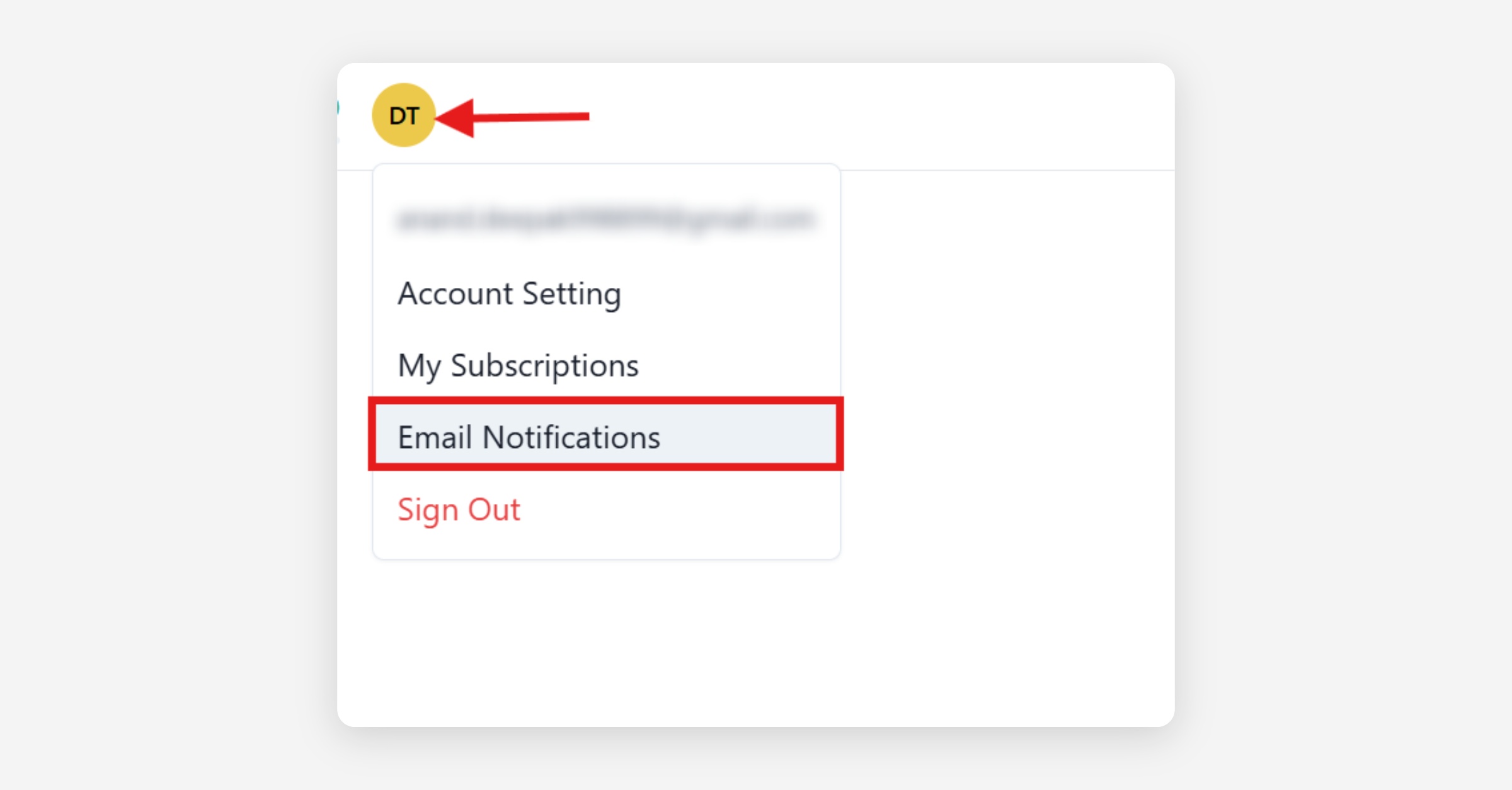
Click your profile picture → Email Notifications
Or go directly to 👉 app.ssemble.com/email-notifications
🔔 Notification Categories
Your notifications are grouped into 3 clear sections:
🎬 1️⃣ Shorts Maker Notifications
Shorts Maker - Completion
✅ Receive an email when the creation of your requested short-form clips is completed.
Shorts Maker - Project Expiration
✅ Get alerts for projects that will expire within 7 days (applies to projects inactive for more than 54 days).
🎥 2️⃣ Clipper Reward – Creator Notifications
Project Status Change
✅ Get notified when the status of your project changes (active, cancelled, or completed).
New Clip Submission
✅ Receive an email when someone submits a new clip to your project.
✂️ 3️⃣ Clipper Reward – Clipper Notifications
Submission Approval Status
✅ Be informed when your submitted clips are approved or rejected.
Project Completion
✅ Get notified when projects are completed due to budget depletion or when the end date is reached.
🛠️ How to Turn Notifications On or Off
Use the toggle switch next to each notification type.
Blue toggle = enabled | Grey toggle = disabled
Changes are saved instantly — no extra steps needed.
✅ Best Practices
Keep Project Status Change and Submission Approval turned ON to never miss critical updates.
Turn Project Expiration ON to avoid losing unfinished projects.
Adjust anytime to match your workflow.
🆘 Need Help?
Not receiving emails?
Check your spam/junk folders
Double-check your registered email in your profile
Still not working?
Contact Ssemble Support for help troubleshooting.
That’s it — your email notifications are now fully in your control! ✅
Was this helpful?